
 By
That old laptop in the closet still has value, even if it is too slow for daily work. The right move depends on whether it still runs and what it is worth.
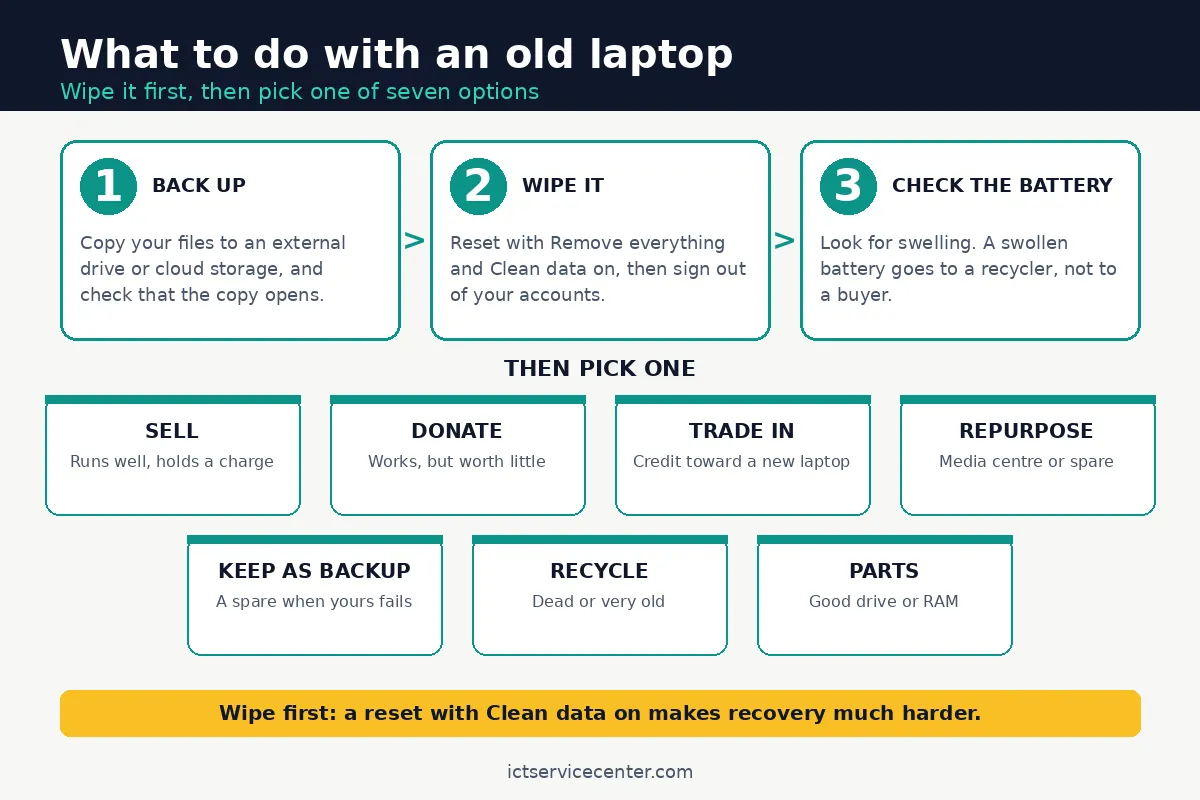
In short: Back up your files, then wipe the laptop with a full reset before it leaves your hands. Then sell it if it still runs well, donate it if it works but has little resale value, trade it in for credit, repurpose it as a media centre or spare, or recycle it if it is dead. Check the battery first, and never bin a laptop or its battery.
Key takeaways
- Back up first, then wipe: a reset with Remove everything and Clean data on is the safe way to hand a laptop to anyone.
- Check the battery before you sell or donate: a swollen battery is a safety problem, not a selling point.
- A laptop that still runs Windows 11 or a recent macOS is worth selling, donating, or trading in.
- A dead laptop is still worth something: recycle it, do not bin it.
Before anything else: back up, then wipe it
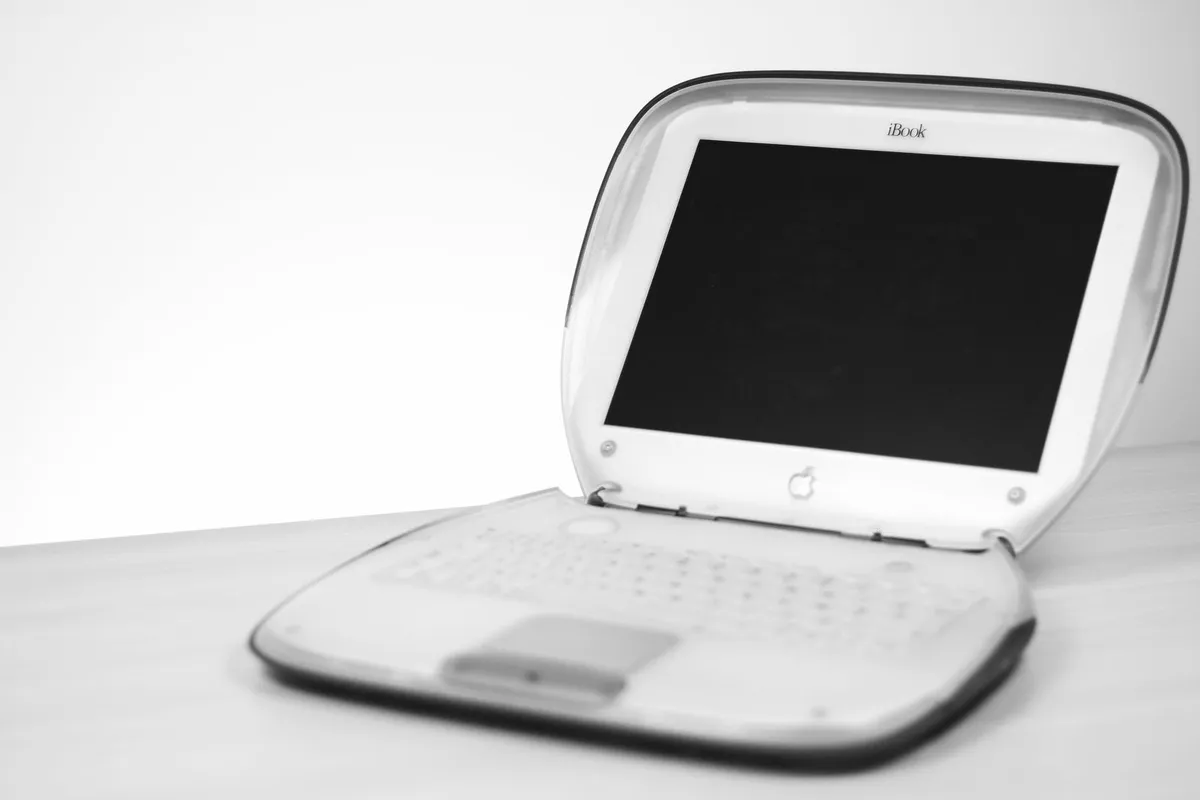
Do this step no matter which option you pick: a laptop that leaves your home still holds your photos and passwords.
Copy the files you want to keep to an external drive or cloud storage, then open a few of them on another device to confirm the copy worked. Our guide to transferring files from an old laptop to a new laptop walks through the same move.
- Copy your documents, photos, and other files to an external drive or cloud storage.
- Open a few copied files on another device to confirm the backup worked.
- Sign out of your accounts: your Microsoft account or Apple ID, your browser, and any apps that stay signed in.
- Remove the laptop from your Microsoft account or Apple ID device list online.
- Reset it: on Windows 11, open Settings > System > Recovery, pick Reset PC, choose Remove everything, then turn on Clean data. On a Mac, use Erase All Content and Settings.
- Confirm it reaches a clean welcome screen, then shut it down.
Clean data makes it much harder for someone to recover your deleted files, which is why Microsoft points to it when a PC is being donated, recycled, or sold.
It is aimed at home users and does not meet government or industry data-erasure standards, so if the laptop held business records, have the drive wiped or shredded by a recycler instead.
Our walkthrough of how to wipe a laptop before selling covers the full steps.
A plain external drive holds a full copy of your documents and photos before you wipe the laptop.
See options on AmazonIf the laptop will not boot at all, the drive may still be fine. Pull it out, plug it into a USB adapter, and copy the files from another computer.
Lets you plug a removed laptop drive into another PC over USB so you can copy the files off it.
See options on AmazonCheck the battery before you sell or donate it
A laptop with a healthy battery is a gift or a sale; a swollen one is a hazard. Look for a case that no longer sits flat, a trackpad that has popped up, or a screen separating from its frame. Our guide to a swollen laptop battery explains the warning signs.
On Windows, run powercfg /batteryreport from a command prompt and compare the design capacity with the full charge capacity. On a Mac, open System Settings > Battery and check the battery health reading.
Never open, puncture, squeeze, or charge a swollen battery, and never put it in the trash or a regular recycling bin. Put the laptop somewhere cool and away from anything flammable, do not plug it in, and take it to a battery recycling point.
The 7 options at a glance
| Option | Best when the laptop | What you get | Effort |
|---|---|---|---|
| Sell it | Still runs and holds a charge | Cash | Medium |
| Donate it | Works, but worth little | Helps someone else | Low |
| Trade it in | You are buying a new laptop | Store credit | Low |
| Repurpose it | Boots but too slow | A media centre or spare | Low to medium |
| Keep it as a backup | Works, and you have space | A spare machine | Low |
| Recycle it | Dead or very old | Safe disposal | Low |
| Strip it for parts | Dead, but the drive or RAM is good | Spare parts | Medium |
Sell it or donate it
Sell it
Selling is the right call when the laptop still boots, holds a reasonable charge, and runs a supported operating system. A machine that runs Windows 11 or a recent macOS version, with 8 GB of RAM and an SSD, will find a buyer.
Search the same model, RAM, and storage on a used marketplace and look at what similar laptops sold for, not what sellers ask. Take honest photos of the screen, keyboard, ports, and any scratch or dent. List the exact model, processor, RAM, storage, battery health, and operating system version, and include the charger. Meet a local buyer in a public place during the day.
Donate it
Donating fits a laptop that works but is not worth selling: an older machine with a spinning hard drive, a worn battery, or a scuffed case. Schools, libraries, community groups, and refurbishers take working laptops and put them in front of people who need one.
Check with the group first. Most accept laptops that turn on, hold some charge, run a supported operating system, and come with a charger. Many will not take a machine with a cracked screen, a swollen battery, or a missing charger, so ask before you drive over.
Wipe it exactly as if you were selling it. A charity is not a safe place to leave your files. Remove stickers with personal details. If the laptop came from an employer, check with them first: a work machine is company property.
Recycle it

Recycle the laptop when it is dead, badly broken, or so old that no one can use it: a failed board, a smashed screen, or a version of Windows that no longer gets security updates.
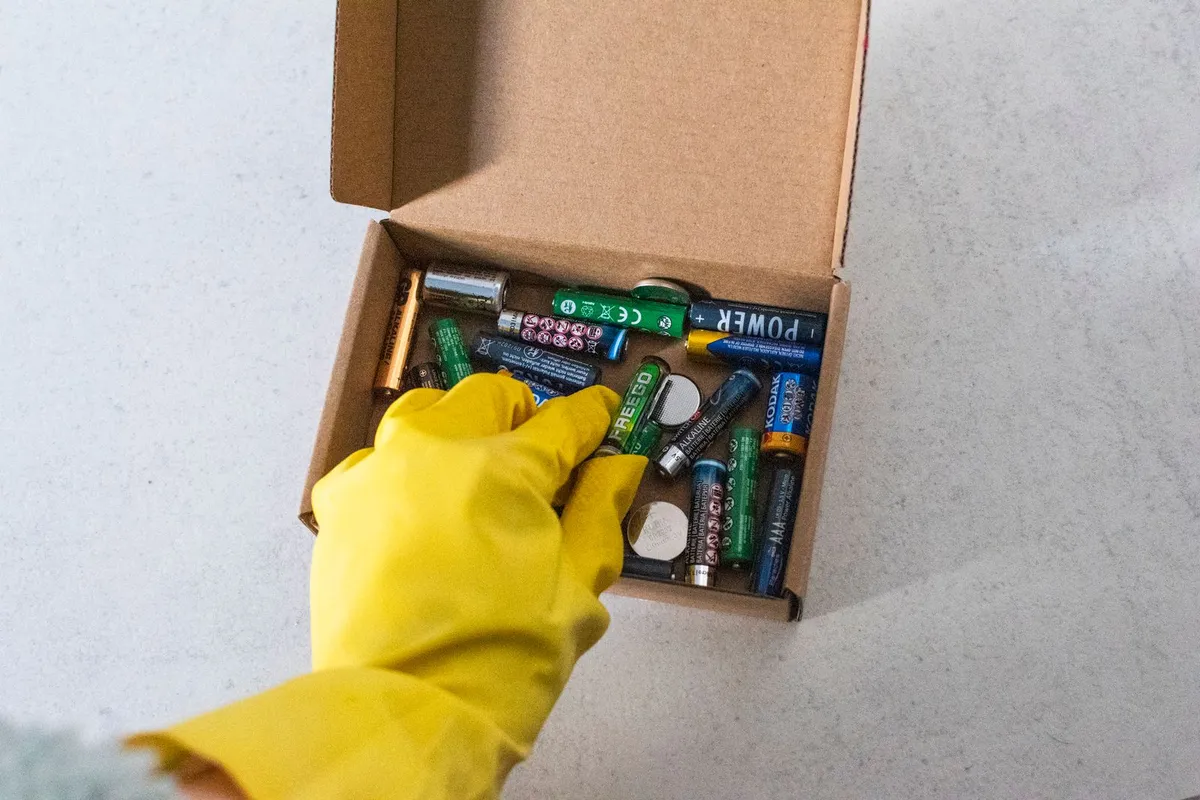
Never put a laptop in the trash. It holds a lithium battery, a circuit board with metals that should be recovered, and a drive with your data. In many places, putting electronics in the trash is also against local rules.
Dell, HP, Lenovo, and Apple all run take-back programs, often by mail with a prepaid label. Best Buy stores accept old laptops at the customer service desk. Your city or county usually runs e-waste collection days or a permanent drop-off site.
Before you drop it off, take the drive out if you can do so safely, or confirm the recycler wipes or shreds drives. If the laptop still turns on, reset it first, even for recycling.
Keep the battery with the laptop unless the recycler tells you to separate it. Do not try to remove a glued-in battery yourself: that is a job for a shop, and a punctured lithium battery can catch fire.
Repurpose it around the house
A laptop that is too slow for your daily work can still do one job well. Pick one job, set the laptop up for it, and leave it there.
The most popular second life is a media centre. Plug the laptop into the TV with an HDMI cable, install a media app, and use it to play your own video files or stream shows. It works best when the laptop stays plugged in and runs nothing else.
Other jobs: a homework machine for a child, with a standard user account and no admin rights; a spare machine in the guest room; a kitchen display for recipes; a monitor for security cameras; or a simple file server. For a child, turn on the built-in parental controls and keep the laptop in a shared room.
Before you repurpose it, uninstall the apps you no longer need, clear old update files, and check that the operating system still gets security updates. Our guide to freeing up disk space on Windows 11 covers the built-in clean-up tools. If it cannot get security updates anymore, keep it offline. Give it air: heat is what kills old machines.
Trade it in, keep it as a backup, or strip it for parts
Trade-in is the low-effort way to get money back. Apple, Dell, HP, and Lenovo all run trade-in programs, and so do Best Buy and Amazon.
Answer a few questions about the model and condition, get a quote, and send the machine in or drop it off. The quote is usually lower than a private sale, but there is no listing, no photos, and no meeting a stranger.
Read the fine print: the final credit can drop if the condition does not match what they find.
Keeping the laptop as a backup is worth it only if you will maintain it. A machine that has not been updated in two years is not a backup, it is a chore. If you keep it, wipe it, update it, store it with the charger, and charge it to about half. Power it on every few months and check the battery.
If the laptop is dead but the parts are good, stripping it is a fair final option. The drive and the RAM are worth keeping. Remove the drive with the adapter from the backup section, copy anything left on it, then wipe it.
If you are comparing a repair against a replacement, our guide to an old laptop versus a new laptop lays out the costs, and our guide to setting up a new laptop covers the first steps.
Write down the laptop model, serial number, and the date you wiped it, and keep that note with the charger. It is what the maker will ask for if the laptop is ever lost or returned.
Mistakes to avoid
Handing over a laptop without wiping it. Deleting files is not enough: deleted files can be recovered from a drive that was never wiped. Run the full reset with Clean data on, or remove the drive.
Forgetting to sign out of accounts. A signed-in browser or cloud drive hands the next owner your email, photos, and payment methods. Sign out of everything, then remove the device from your account online.
Selling a laptop with a swollen battery. A bulging case or a lifted trackpad is a safety problem, not a cosmetic flaw. Replace the battery or recycle the machine; do not sell it as working.
Throwing a laptop in the trash. The lithium battery is a fire risk in a garbage truck, and the drive holds your data. Use a maker take-back program, a store drop-off, or a municipal e-waste site.
Keeping a spare you never update. A backup laptop with two years of missed security updates is a risk the day you turn it on. If you keep it, update it every few months or let it go.
Frequently asked questions
Should I wipe my old laptop before selling it?
Yes, always. Back up your files first, sign out of your accounts, then run a full reset with Remove everything and Clean data on. Deleting files by hand is not enough, since deleted files can be recovered from the drive.
How much is my old laptop worth?
It depends on the model, age, RAM, storage, and condition. Search your exact model on a used marketplace and look at what similar laptops sold for. A machine that runs a current operating system with 8 GB of RAM and an SSD is worth the most.
Where can I donate an old laptop?
Schools, libraries, community groups, and laptop refurbishers all take working machines. Check first: most want a laptop that turns on, holds some charge, runs a supported operating system, and comes with a charger. Wipe it before you hand it over.
Can I throw an old laptop in the trash?
No. A laptop holds a lithium battery that can catch fire in a garbage truck, and its drive holds your data. Use a maker take-back program, a Best Buy store drop-off, or your city or county e-waste site instead. Many of these options are free.
What can I do with a laptop that will not turn on?
First, check whether the drive is still good: pull it out and read it with a USB adapter on another computer to save your files. After that, the machine is a recycling job, not a sale. Take it to a maker take-back program or an e-waste drop-off, and tell them if the battery is swollen.
Bottom line: Back up, wipe, and check the battery, then match the laptop to the option that fits: sell it if it runs well, donate it if it works but is worth little, trade it in when you buy new, repurpose it for one job, or recycle it if it is dead. See our Basics and How It Works hub.
Sources: Microsoft Support, Reset your PC; Apple, Trade In; US EPA, Electronics Donation and Recycling; Dell, How to Recycle. Photos: Tuur Tisseghem, Julia Krasnoperova, Gustavo Fring, Daniel Dan, Jakub Zerdzicki via Pexels. Diagram: ICT Service Center.