
 By
A swollen laptop battery is not a problem you can put off. The battery has started to fail, and the safe move is to stop using the laptop, unplug it, and get it serviced.
In short: If your laptop battery is swollen, stop using the laptop at once, unplug the charger, and do not charge it again. Do not puncture, press, bend or open the battery. Set the laptop on a hard, non-flammable surface away from heat, then contact the maker for safe replacement, and recycle the old battery through a proper battery recycler, never in the trash.
Warning: A swollen lithium-ion battery can catch fire if it is punctured, crushed, bent or charged. Never open the battery, never press on the bulge, and never put a swollen battery in household trash or a curbside recycling bin. If the laptop smokes, hisses or smells strongly, leave it where it is, get fresh air, and call your local fire department if there is fire or heavy smoke.
Key takeaways
- Stop using the laptop and unplug the charger when you spot swelling.
- Never puncture, press, bend, charge or open a swollen battery.
- A raised trackpad, a rocking base or a gap in the case are the clearest signs.
- Dell and Apple both say to contact support for safe replacement, not to fix it yourself.
- Take the old battery to a battery recycler or hazardous waste site, never the trash.
How to tell your laptop battery is swollen
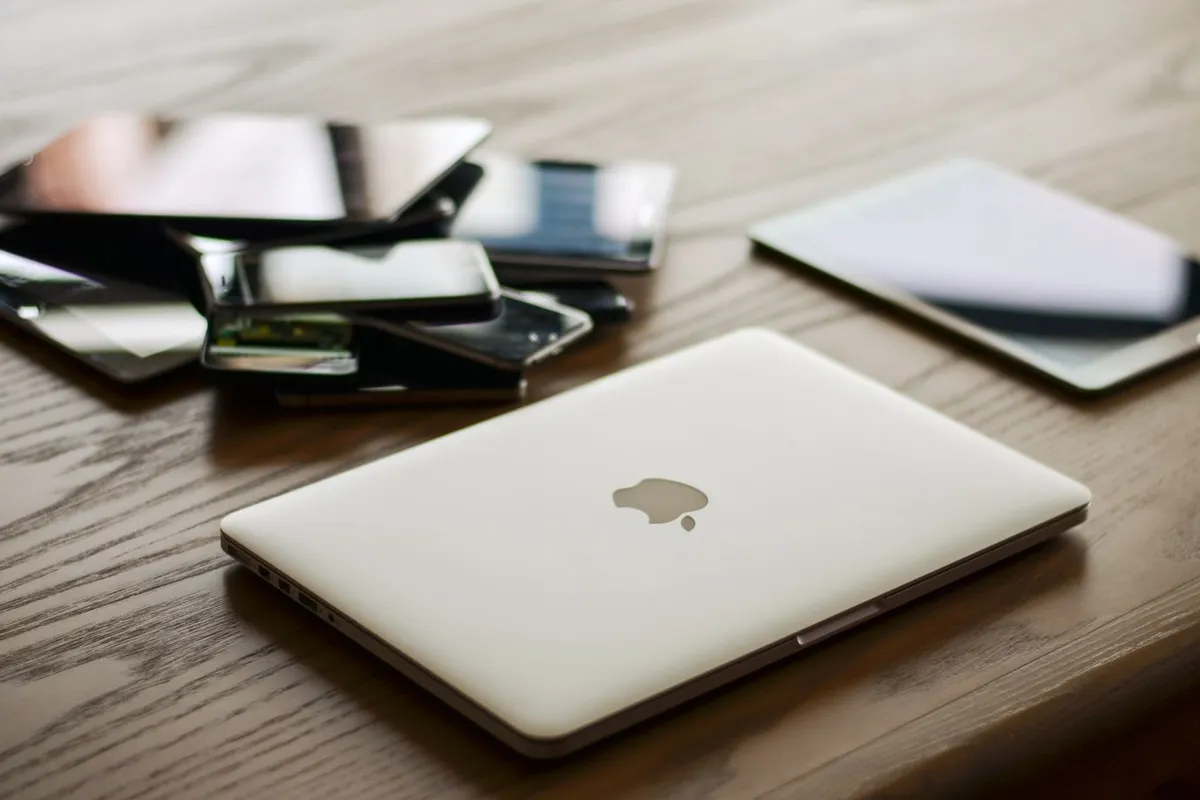
A swollen battery pushes on the parts around it, so the signs are usually visible before the battery itself is. The trackpad is often the first thing to change, since it sits right above the battery in many laptops.
If the trackpad feels raised, clicks oddly, or stops clicking at all, the battery underneath may be pressing on it.
The case can show the same pressure: a lid that no longer closes flat, a gap along the bottom edge, or a base that rocks on a flat table all point to swelling inside.
Other signs are less direct but still worth acting on.
A battery percentage that jumps, stalls or drops fast can mean the swollen cells are skewing the meter, and a laptop that shuts off at 30 or 40 percent may have a cell that has already failed.
Heat is another clue: a palm rest or back panel that feels warmer than usual, or a faint sweet or chemical smell near the vents, can come from a battery that is breaking down. Read our guide to the signs your laptop battery is dying for the full list of warning signs, and treat any one of these as a reason to stop using the laptop until the battery is checked.
What to do right now
You do not need tools, parts or a repair manual for this part. The first five steps take a few minutes and make the laptop safe to handle while you arrange a replacement.
- Shut it down. Hold the power button until the screen goes dark, then stop. Do not use sleep or hibernate, since both keep the battery connected and active. A full shutdown is the only state that takes the battery out of use.
- Unplug the charger. Pull the charger out of the laptop and the wall, and do not plug it back in. Charging a swollen battery adds heat and pressure to cells that are already failing.
- Move the laptop. Pick the laptop up by its edges, not by the bulging base, and set it on a hard, flat, non-flammable surface away from paper, bedding, curtains and heat. Do not press on the bulge or put anything heavy on top of the laptop.
- Let it cool. Leave the laptop where it is until it reaches room temperature. Do not put it in a fridge or freezer, and do not use a fan to force it cool faster.
- Contact the maker. Call the maker’s support line or visit a certified repair shop, and tell them the battery is swollen. Do not try to remove or replace the battery yourself.
Dell says the same thing in its support guide. If the battery is swollen, stop using the laptop, do not charge it, and contact Dell support for a replacement battery, since a swollen battery must be replaced and not repaired.
Symptoms, causes and fixes
Swelling has one fix in every case: stop using the laptop and get the battery replaced. The table below maps the symptom to the likely cause, so you can see why the advice is the same each time.
| Symptom | Likely cause | Fix |
|---|---|---|
| Trackpad raised or clicks oddly | Battery pressing on the trackpad from below | Stop using the laptop and get the battery checked |
| Case or lid will not close flat | Battery swelling against the case | Stop using the laptop and get the battery checked |
| Battery percentage jumps or stalls | Swollen cells skew the battery meter | Run a battery report and have the battery checked |
| Laptop shuts off at high charge | A cell has failed and the voltage drops | Stop charging it and get the battery checked |
| Back or palm rest feels warm | Heat build-up from a failing battery | Unplug it and let it cool away from heat |
| Smell, smoke or heat from the case | A cell is damaged and venting | Leave it alone, get fresh air, and call for help if needed |
Why laptop batteries swell
Laptop batteries are lithium-ion cells, and they swell when gas builds up inside them. The gas comes from the chemistry of the cells breaking down, which happens faster when the battery is old, hot, or kept at full charge for long periods.
A laptop that spends its life plugged in on a desk, or that runs hot under a heavy load, ages its battery faster than one that cycles gently.
Physical damage can do the same thing: a drop or a crush can damage a cell and start the same process.
Heat is the main driver. Batteries degrade faster above room temperature, and a laptop that runs hot for hours at a time will wear its battery sooner.
Keeping the laptop plugged in at 100 percent for weeks adds to the same effect, since a full cell held at high voltage ages faster than one kept near half charge.
Some makers cap the charge at 80 percent for this reason, and the setting is worth turning on if your laptop offers it.
Age matters too. A battery that has been through hundreds of charge cycles will swell sooner than a new one, and the risk rises after three or four years of daily use. Read our guide to checking laptop battery health to read the cycle count and the design capacity on your own machine, so you can see how far the battery has aged before it becomes a problem.
What Dell and Apple say to do
Dell is direct: if the battery is swollen, stop using the laptop, do not charge it, and contact Dell support for a replacement. The guide notes that a swollen battery must be replaced, not repaired, and that the laptop should not be used while the battery is in that state. Dell also warns against pressing on the battery or trying to open it.
Apple takes the same line for MacBooks. If the battery shows a Service Recommended warning, or the case shows signs of swelling, Apple says to contact Apple Support or an Apple Authorized Service Provider for a battery service. The battery in a modern MacBook is glued in and needs specialist tools, so Apple does not offer a user-replaceable option.
How to recycle a swollen battery safely
A swollen battery is hazardous waste, and it must never go in household trash, a curbside recycling bin, or a standard battery drop-off that is not rated for damaged cells.
A punctured lithium-ion battery can start a fire in a truck or a sorting facility, so the recycling route has to be one that handles damaged batteries.
Call your local hazardous waste site or a battery recycler first, describe the battery as swollen, and ask whether they take damaged lithium-ion cells.
Until you drop it off, store the battery in a cool, dry place on a non-flammable surface, away from heat and out of reach of children.
If the battery is still in the laptop, keep the whole laptop in the same place and do not try to remove the battery to store it separately.
Transport it in a sturdy box with the laptop flat, and do not stack anything on top of it.
Getting the battery replaced
The replacement itself is a job for a technician, not a home repair. Modern laptop batteries are glued, taped or screwed into the case, often under the motherboard or the keyboard, and opening the case risks puncturing the swollen cell. A certified repair shop has the tools and the training to remove a swollen battery without damaging it, and it can dispose of the old cell through the right channel.
Ask for a genuine or maker-approved battery, since a cheap third-party cell can swell again sooner and may not match the laptop’s power management. Check the warranty first: a swollen battery inside the warranty period is often replaced free, and some makers extend battery coverage for swelling even after the main warranty ends. Keep the receipt and the old battery’s serial number for the claim.
While the laptop is in the shop, back up your files if you can still access them, and ask the technician to check the trackpad and the case for damage from the swelling. Our guides to replacing a laptop battery, replacing an internal laptop battery and when to replace a laptop battery explain what the job involves and when a replacement makes sense over a repair.
Mistakes to avoid
- Keeping on using the laptop. A swollen battery can fail without warning, and every hour of use adds heat and pressure. Fix it by shutting the laptop down at the first sign of swelling.
- Charging it to see if it recovers. Charging a swollen battery adds heat to cells that are already failing, and it will not reverse the swelling. Fix it by unplugging the charger and leaving it unplugged.
- Pressing on the bulge to check it. Pressing a swollen cell can puncture it, and a punctured lithium-ion cell can catch fire. Fix it by leaving the bulge alone and handling the laptop by its edges.
- Trying to open the battery yourself. Modern laptop batteries are glued in, and prying them out with a screwdriver is how most punctures happen. Fix it by letting a certified technician remove the battery.
- Throwing the battery in the trash. A swollen battery in a bin can start a fire in a truck or a sorting facility. Fix it by taking the battery to a recycler or hazardous waste site that handles damaged lithium-ion cells.
- Ignoring a raised trackpad. A trackpad that stops clicking or feels raised is often the first sign of swelling, and it is easy to blame on software. Fix it by checking the base for a gap or a rocking base before you update drivers or settings.
Frequently asked questions
Can I still use my laptop if the battery is swollen?
No. Stop using the laptop at once, shut it down, unplug the charger, and do not charge it again. A swollen battery can fail without warning, and using the laptop adds heat and pressure to cells that are already breaking down. Contact the maker or a certified repair shop for a replacement.
Is a swollen laptop battery dangerous?
Yes. A swollen lithium-ion battery can catch fire if it is punctured, crushed, bent or charged, and the gas inside it is flammable. The risk is low while the laptop sits untouched on a hard surface, but it rises sharply if you press on the bulge, charge it, or try to open it. Treat a swollen battery as a safety issue, not a wear item.
Can a swollen laptop battery be fixed?
No. A swollen battery must be replaced, not repaired. The swelling comes from gas building up inside the cells, and there is no way to reverse it. Dell and Apple both say to contact support for a safe replacement, and a technician should remove the old battery so it can be recycled properly.
How long can I wait before replacing a swollen battery?
Do not wait. A swollen battery can fail without warning, and the longer it stays in the laptop, the more it presses on the trackpad, the case and the other parts inside. Shut the laptop down, unplug it, and arrange a replacement as soon as you spot the swelling.
Where do I recycle a swollen laptop battery?
Take it to a battery recycler or a hazardous waste site that handles damaged lithium-ion cells, and call ahead to confirm they take swollen batteries. Never put it in household trash or a curbside recycling bin. If the battery is still in the laptop, take the whole laptop and let the recycler remove the battery.
Bottom line: A swollen battery is a safety issue, not a repair project. Stop using the laptop, unplug the charger, and get the battery replaced by a technician. For more troubleshooting guides, see the Troubleshooting hub.
Sources: Dell, The Battery is Draining Quicker than Expected on a Dell Laptop (Section 6: Swollen or Deformed Battery); Apple Support, If you see battery Service Recommended on your Mac laptop; CPSC, Micromobility Battery Charging Safety. Photos: Pixabay, Kaboompics, Callum Hilton and cottonbro studio via Pexels. Diagram: ictservicecenter.com.