
I’ve spent the last decade with my hands inside computer cases and my eyes glued to spec sheets. I’ve built towering gaming rigs that sound like jet engines and set up sleek all-in-ones that disappear into a home office backdrop.
The choice between an all in one desktop and a tower desktop computer isn’t just about specsit’s a lifestyle decision.
Let me walk you through what I’ve learned from using both, side-by-side, for everything from daily work to weekend gaming marathons.
If your priority is a clean, minimalist setup right out of the box, the modern AIO PC is hard to beat. For instance, when helping a friend set up a simple home office, we went with the HP 2025 22.
It was up and running in minutes, with no cables to manage beyond the power cord. That experience perfectly highlights the core trade-off we’re discussing. It helps to understand break down the strengths of tower vs mini pc before going further.
My Hands-On Experience with Both Form Factors
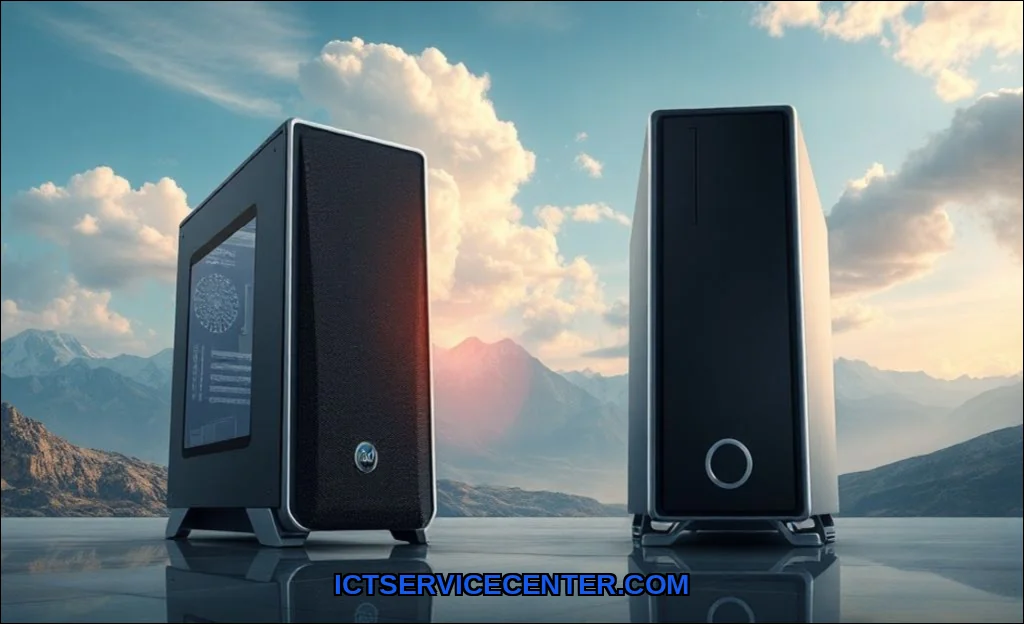
My main workhorse for years was a custom-built tower. I loved its raw power and the ritual of upgrading it. But the clutter wore on me.
Wires snaked everywhere, and the tower itself demanded prime real estate under my desk. Switching to an all-in-one for my secondary editing station felt liberating. The space was instantly cleaner.
But that cleanliness came with constraints I hadn’t fully appreciated until I needed more power. There is more on used vs new pc 2026 in a separate guide.
The Space & Aesthetics Showdown: Where They Live
This is the most immediate difference you’ll notice. An all-in-one desktop wins the computer space saving award, hands down. It’s a single, elegant unit. In my home office, the AIO freed up my entire desk footprint. No bulky box on the floor, no tangle of video and power cables running to a separate monitor. It’s just clean.
A traditional desktop, or desktop tower, is a different beast. It’s a modular PC system. You have the tower itself, the monitor, separate speakers, and a web of connecting cables.
It requires planning. In my setup, I had to consider airflow, access to rear ports, and cable management solutions. Its a project.
The AIO is a finished piece of furniture; the tower is a customizable engine you house yourself.
- All-in-One (AIO): Maximizes desk space, minimalist aesthetic, typically quieter operation, and far easier initial setup.
- Tower Desktop: Demands more physical space, offers superior thermal performance (leading to less throttling), and provides vastly more connectivity options on the chassis.
Under the Hood: Performance & Future-Proofing
Heres where the rubber meets the road. Desktop performance between these two form factors can be worlds apart, and it all boils down to thermal design and upgradability.
My high-end tower uses full-sized, desktop-class components with multiple fans and large heatsinks. Under sustained load, like rendering a video, it maintains high clock speeds.
The AIO on my desk, while capable for daily tasks, uses mobile or low-power versions of CPUs and GPUs to fit everything behind the screen. It gets the job done, but it can thermally throttle during intense, prolonged work.
This is a critical missing entity in many comparisons: thermal performance dictates real-world speed.
Upgradability is the other colossal differentiator. With my tower, I’ve swapped the GPU twice, added RAM, and upgraded storage drives with ease. It’s a simple matter of opening the side panel.
With most all-in-one computers, you’re often limited to upgrading only the RAM and storageif you’re lucky. Some, like many Apple iMacs, solder everything to the motherboard.
The repair complexity & cost for an AIO is significantly higher; a failing screen often means replacing the entire computer.
| Component | Typical All-in-One PC | Typical Tower Desktop Computer |
|---|---|---|
| CPU | Mobile/Low-Power Variant | Full Desktop-Class |
| GPU | Often Integrated or Mobile | Discrete, User-Upgradable |
| RAM | Sometimes Upgradable | Easily Upgradable |
| Storage | Often a single drive bay | Multiple SSD/HDD bays |
| Thermals | Compact, can throttle | Robust, better sustained performance |
The Price Tag: Upfront Cost vs. Long-Term Value
Let’s talk about desktop value. Walk into a store, and the AIO often has a seductive, all-inclusive price. You get the computer, a great display, and built-in speakers and webcam. It seems simpler. The tower requires you to buy a monitor, keyboard, and mouse separately. The initial outlay feels higher. We go through tower pc vs all in one pc step by step in its own article.
But you must consider the total cost of ownership. In three years, when your AIO feels slow, your only option is often a full replacement.
With a tower, you might spend $300 on a new GPU and $100 on more RAM for a massive performance boost. That tower can evolve.
This makes the question of should I buy an all in one computer or a separate tower a financial planning exercise, not just a tech one.
Who Wins? My Recommendations Based on Your Needs
So, which is better all in one or tower pc for home use? It’s not one-size-fits-all. Based on my testing, heres who should buy what.
Choose an All-in-One PC If:
- Your priority is a sleek, space-saving design for a bedroom, kitchen, or small office.
- You perform light to moderate tasks: web browsing, office suites, streaming, video calls.
- You dislike technical maintenance and want a simple, appliance-like computer.
- You appreciate an integrated, high-quality webcam and speakers. Models like the Dell Inspiron AIO series excel here.
Choose a Tower Desktop PC If:
- You’re a gamer, content creator, or power user who needs maximum and sustained performance. For all in one pc vs desktop tower for gaming, the tower wins every time.
- You want the ability to upgrade specific parts over time to extend your system’s life.
- You have specific peripheral needs, like multiple monitors, pro audio interfaces, or internal capture cards.
- You’re comfortable with some basic setup and cable management, or you enjoy the process of building. A foundation of basic computer skills goes a long way here.
Final Verdict: What I Chose and Why
I live in both worlds. For my primary, do-everything workstation? I use a powerful tower. The form factor allows me to run a high-end CPU and GPU for 3D rendering and gaming without thermal worries. I’ve upgraded it piecemeal for five years. Its total cost of ownership is fantastic.
But for my dedicated writing and communication station, I use an all-in-one. Its job is to be quiet, invisible, and reliable. It perfects that role. It’s about matching the tool to the task.
If you’re still weighing a powerful laptop against a desktop for flexibility, our guide on the best value for money laptop might help. For a broader view on the portable vs. stationary debate, this external analysis on laptop versus desktop computers offers great additional perspective.
Your decision hinges on honesty about your needs. Want simplicity and style today? An AIO delivers. Want a powerhouse you can refine for years? Build a tower. In tech, the right choice is the one that fits your life, not just your desk.