
 By
Yes, you can charge a laptop with a power bank, but only if three things agree: the bank puts out enough watts, the cable can carry those watts, and the USB-C port accepts power. Get one of them wrong and the laptop charges slowly, or not at all.
In short: Check your laptop charger wattage, then pick a power bank whose USB-C port outputs at least that many watts, with a USB-C cable rated for the same wattage. Plug the cable straight into the charging USB-C port, not a hub, and hover over the battery icon to confirm it says charging.
Key takeaways
- Match watts, not mAh: bank output must meet or beat your charger wattage.
- Not every USB-C port accepts power, so use the charging port named in your manual.
- A plain 3A USB-C cable caps at 60W, even behind a 100W bank.
- Power banks fly in carry-on only, under 100Wh without airline approval.
- A swollen, hot, or damaged bank goes to battery recycling, never in a bag or a hot car.
How much power your laptop needs
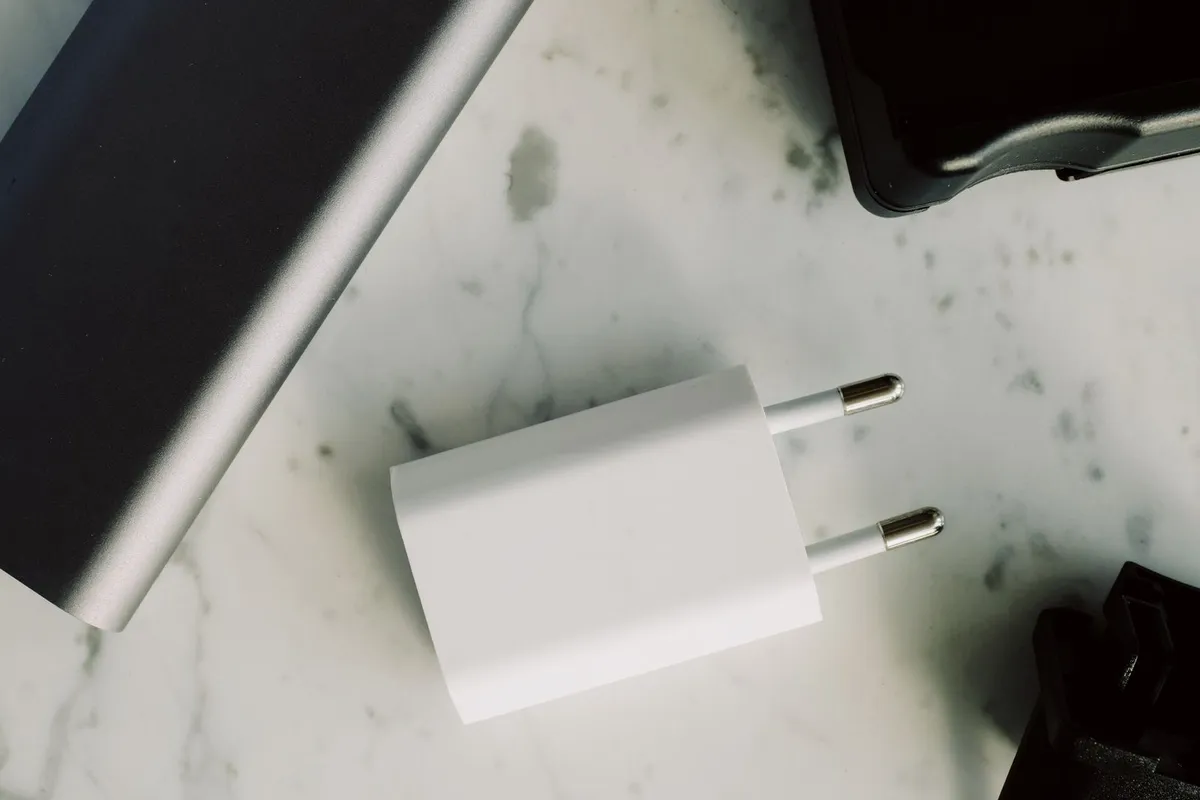
Start with the wattage of the charger that came with your laptop. The small print on the charger brick will say 45W, 65W, 90W, or 100W: that is the number to match or beat. The other half of this decision is laptop overheats when charging.
A weaker bank can still help, but it charges slowly and may not keep up while you work. A 45W bank feeding a laptop that wants 65W will add charge while the laptop sleeps, yet the battery can still fall under load.
Do not shop by mAh alone. A 20,000mAh bank sounds large, but mAh is capacity, not power: that bank holds about 74Wh (20,000mAh at 3.7V), roughly one charge for a thin laptop battery.
What decides charging speed is the wattage printed next to the USB-C port on the bank. Check the live status in Settings > System > Power & battery. See our guide to check your laptop battery health.
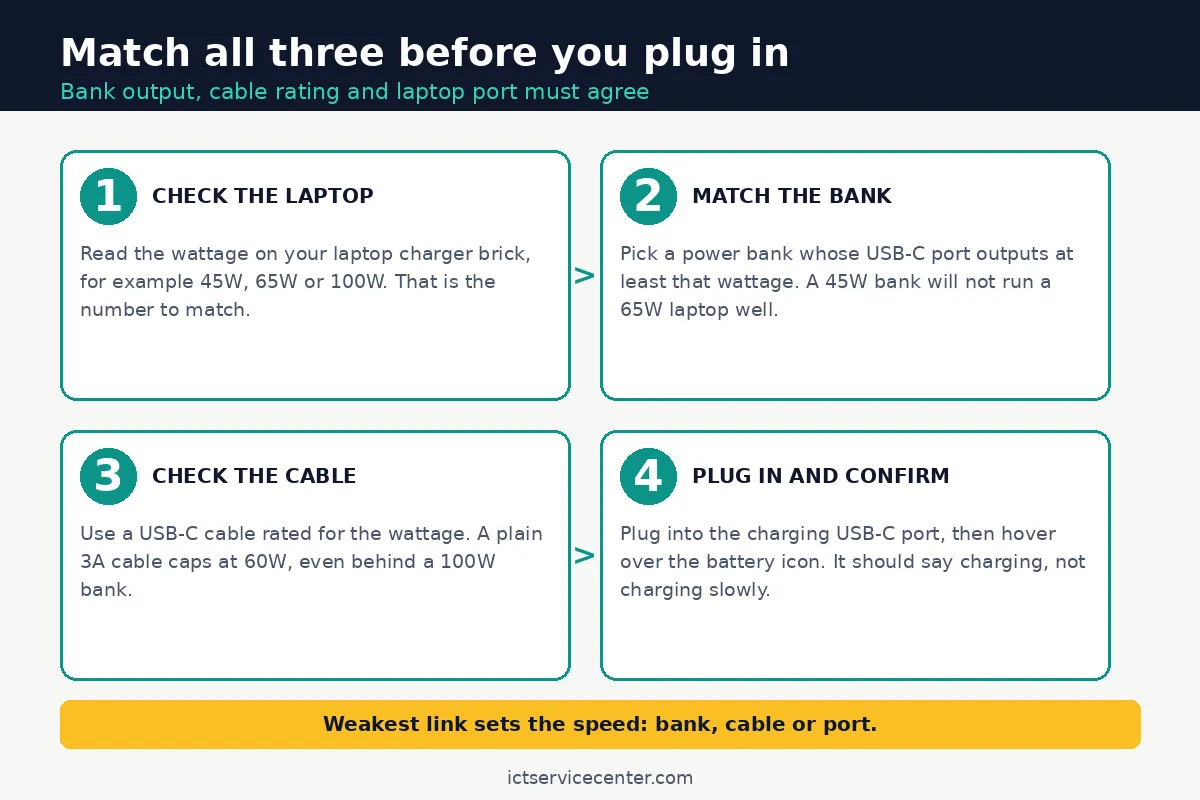
Check your own charger: two laptops in the same class can want different wattage.
| Laptop type | Charger wattage | Minimum bank output |
|---|---|---|
| Chromebook or small ultrabook | 30W to 45W | 45W |
| Thin Windows laptop, 13 to 14 inch | 45W to 65W | 65W |
| Mainstream laptop, 15 to 16 inch | 65W to 90W | 100W |
| Performance laptop with a discrete GPU | 100W to 140W | 140W |
| Workstation or desktop replacement | 140W to 240W | 140W or 240W, and expect slow charging |
For a workstation with a 240W barrel charger, a power bank is a stopgap: even a 140W bank charges it slowly, and a heavy task can drain the battery faster than the bank refills it. The 140W and 240W tiers need USB Power Delivery 3.1, and the bank, cable, and laptop must all support it. Our roundup of the best laptop power banks covers the high-output models.
When you are unsure, buy one step up: a 100W bank on a 65W laptop charges at full speed.
Your USB-C port must support charging
Not every USB-C port on a laptop accepts power. Some handle data only, some carry video, and only some take in charge. Plugging into the wrong one is the most common reason a good bank seems to do nothing. If that sounds like your bench, read up on what is overcharging my laptop mean next.
Look for the markings next to each port. A small battery or plug symbol marks a charging port. A lightning bolt marks a Thunderbolt port, and Thunderbolt 3 and 4 and USB4 ports on modern laptops normally accept USB Power Delivery charging. An unmarked port may or may not charge: check the manual.
Check your manual or the maker specs page for the line that names the charging port, often worded as “USB-C with Power Delivery”. Use the port the manual names. If your port has stopped working, our guide to a laptop USB-C port not working walks through the checks. A laptop with only a barrel charger jack cannot charge over USB-C.
The cable matters as much as the bank
A USB-C cable has a rated current, and that rating caps the power. A standard cable is rated at 3 amps, which caps it at 60W at 20 volts, so a 100W bank behind a 3A cable still gives the laptop at most 60W. For 100W you need a 5A cable, and for 140W or 240W you need a cable rated for Extended Power Range.
USB-IF, the group behind the USB standard, requires certified USB-C to USB-C cables to carry a power marking of 60W or 240W, so read the print on the cable or its box before you buy. A cable that says 60W is a 3A cable, and one that says 240W is an EPR cable for the higher voltages. Assume an unmarked cable is 60W or less.
Keep the cable short, and use the one that came with the bank or the laptop if you have it.
How to charge a laptop with a power bank
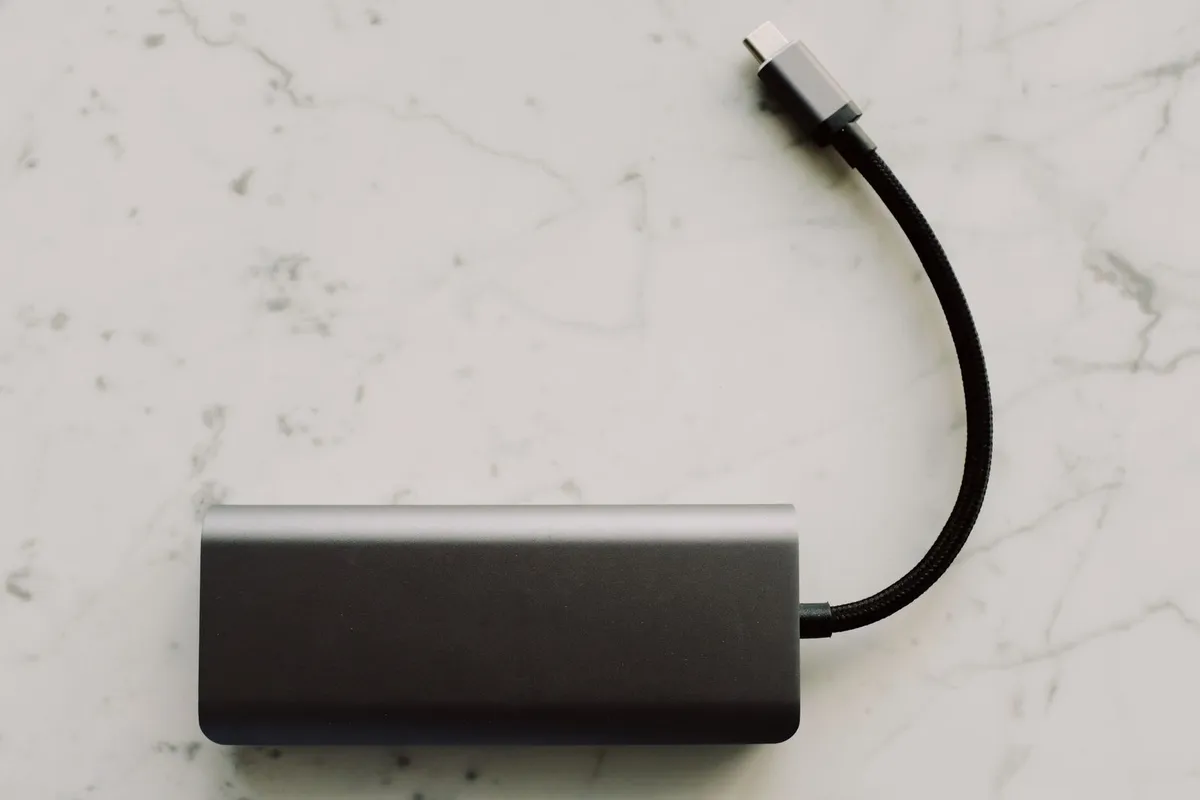
Once the three parts match, the job itself is simple. Check the battery icon before you walk away. Before you buy anything, it is worth looking at configuring power management preferences.
- Read the wattage on your laptop charger brick and note the number.
- Pick a power bank whose USB-C output meets or beats that number. If the bank has more than one USB-C port, use the one marked with the highest wattage.
- Choose a cable rated for the wattage: 3A or 60W is enough up to 60W, 100W needs a 5A cable, and 140W needs an EPR cable.
- Plug the cable straight into the charging USB-C port. Do not run it through a hub or a dock, which can cut the power or block charging entirely.
- Charge the bank itself first if it is low. A near-empty bank charges your laptop slowly, if at all.
- Hover over the battery icon on the taskbar. It should say charging, and the percentage should climb.

A 100W USB-C PD output covers most thin and mainstream laptops at full speed.
- 🔋 【Slim & Travel-Friendly Design】: Designed for business travelers, this flat & compact
- 🔋 【100W PD Fast Charging】: This laptop power bank charges a MacBook Pro to 50% in 30
If your laptop needs 140W, search the same way for a 140W bank instead, and pair it with an EPR cable.

A 5A USB-C cable with a 100W rating lets a 100W bank deliver its full output.
- The Anker Advantage: Join the 80 million+ powered by our leading technology.
- Rapid Charging: Supports high-speed charging up to 100W when used with a compatible
If Windows says “Slow charger” or “PC isn’t charging”, the bank, cable, or port is underpowered. Microsoft gives the same advice: use the charger and cable that came with the PC, plug into the charging port, and charge the PC while it is asleep or off. Turn on USB connection alerts under Settings > Bluetooth & devices > USB.
What happens if the bank is too weak
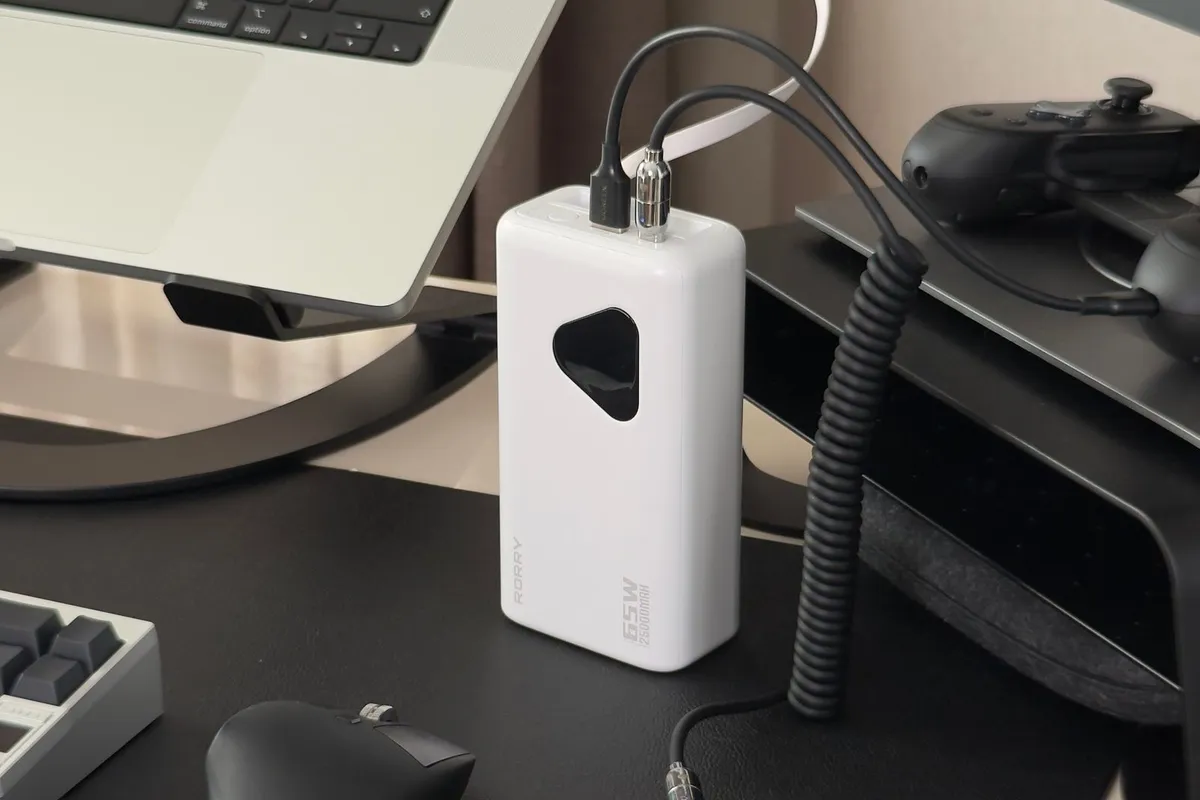
A bank that is too weak does not damage the laptop: it just fails to keep up. The three outcomes are slow charging, no charging, or the battery falling while plugged in.
Slow charging is the most common. The percentage climbs, but slowly, and heavy work can stall it or reverse it. Close heavy apps and lower brightness to help it land. Charging while the laptop sleeps or is off is faster, because the laptop draws almost nothing and nearly all of the bank power goes into the battery.
No charging at all usually means the port does not accept power, the cable is wrong, or the bank output is far below what the laptop will accept.
Try the other USB-C port, swap the cable for a rated one, and test the bank on a phone to prove the bank itself works.
A battery that falls while plugged in means the laptop is drawing more than the bank supplies: put the laptop to sleep, or switch to the wall charger.
If the laptop still will not charge from its own wall charger, read our guide to a laptop charger not charging when plugged in. If the battery keeps draining on the wall charger too, see our guide to a laptop battery draining while plugged in.
Flying with a power bank
Power banks fly in your carry-on bag only. Never put one in checked baggage, and if a carry-on is checked at the gate, take the bank out first and keep it with you in the cabin. The rule covers spare lithium batteries, and a power bank counts as one.
The FAA sets the limits in watt-hours, printed on the bank as Wh. A bank rated at 100Wh or less needs no airline approval. A bank from 101Wh to 160Wh needs airline approval, and you may carry at most two spares in that range. A bank over 160Wh is not allowed on a passenger plane at all. Airlines can be stricter than the FAA, so check yours first.
If the bank shows mAh instead of Wh, work it out with the FAA formula: Wh equals mAh times volts, divided by 1,000. A 20,000mAh bank at 3.7V is 74Wh, under the 100Wh line. Protect the bank from short circuits with a pouch, the retail box, or tape over exposed terminals. Do not use a damaged, recalled, or swollen bank on a plane.
Looking after your power bank
A power bank is a lithium battery, and heat is its worst enemy. Do not leave one in a hot car, on a sunny dashboard, or next to a radiator: a car interior can pass 60 degrees Celsius on a warm day, which ages the cells fast. Keep the bank in a cool, dry place, out of direct sun.
Stop using a power bank at once if it is swollen, hot to the touch, leaking, cracked, or smells odd. Do not charge it, do not puncture it, and do not put it in the bin or in checked baggage. Take it to a battery recycling point or a hazardous waste drop-off, and keep it away from flammable material until then. A swollen lithium battery can catch fire.
For storage between trips, leave the bank partly charged, around half full, rather than full or empty. Top it up every few months if you do not use it, since a lithium battery left flat for a long time may refuse to charge again.
Mistakes to avoid
Buying by mAh instead of watts. Capacity tells you how long the bank lasts, not how fast it charges. A 30,000mAh bank with a 15W output will not charge a laptop that needs 65W.
Using any old USB-C cable. The cable from a phone charger is often a 3A cable that caps at 60W.
Plugging into the wrong USB-C port. Data-only ports look the same as charging ports. Use the port your manual names for charging.
Charging through a hub or dock. Hubs and docks can cut the power or block charging entirely. Plug the bank straight into the laptop.
Leaving a bank in a hot car or using a swollen one. Heat ages lithium cells and can make them swell, and a swollen bank is a fire risk. Store the bank somewhere cool.
Frequently asked questions
Can any power bank charge a laptop?
No. The bank needs a USB-C port with Power Delivery output at the wattage your laptop wants, usually 45W or more, and your laptop needs a USB-C port that accepts power. Phone banks with 10W or 15W output will not charge a laptop.
What wattage power bank do I need for my laptop?
Match the wattage printed on your laptop charger: 45W for a Chromebook, 65W for most thin laptops, 100W for a mainstream 15 inch laptop, and 140W for a performance laptop. Pick a bank that outputs at least that much power, with a cable rated for it.
Can I charge my laptop with a power bank on a plane?
Yes, in the cabin, with the bank in your carry-on bag. Banks up to 100Wh need no approval, banks from 101Wh to 160Wh need airline approval and are limited to two spares, and banks over 160Wh are not allowed. Never put a power bank in checked baggage.
Why is my laptop losing charge while plugged into a power bank?
The laptop is using more power than the bank supplies, so the shortfall comes from the battery. This happens with a bank below your laptop wattage or a 3A cable capping at 60W. Put the laptop to sleep, or switch to a higher wattage bank or the wall charger.
Is it safe to leave a power bank charging a laptop overnight?
Usually yes, if the bank, cable, and laptop are all in good shape and the bank is on a hard, flat surface with air around it. Do not charge on a bed, under a pillow, or inside a closed bag, and never leave a swollen or damaged bank charging.
Bottom line: Read your charger wattage, pick a bank that meets it, use a cable rated for the same power, and plug into the charging USB-C port. Check the battery icon to confirm it is charging. More laptop care guides live in our Care and Maintenance hub.
Sources: FAA, Airline Passengers and Batteries; Microsoft Support, PC is charging slowly or discharging while it is plugged in; USB-IF, USB Charger and USB Power Delivery. Photos: ready made, ready made, RORRY_ Official, Atlantic Ambience, I’m Zion via Pexels. Diagram: ICT Service Center.