
 By
A college backpack carries your laptop, books, charger and lunch across campus every day. A bad one shows up fast: sore shoulders, a laptop that slides around, and a zipper that gives up.
In short: The best laptop backpack for college has a padded sleeve that fits your laptop size, wide padded straps, a structured back panel, and pockets for books and a charger. The JanSport Big Student is the best all-round pick, while the Herschel Little America suits a lighter carry and the SwissGear 1900 ScanSmart suits a heavy load.
Key takeaways
- Measure the laptop base first, then match the sleeve to the screen size. A sleeve that is too small is the most common buying mistake.
- Padding matters more than pocket count: a thick foam sleeve and a padded base protect the laptop from bumps.
- Wide padded straps and a structured back panel decide comfort when the bag is full.
- Check the warranty before you buy. A maker that repairs or replaces a failed zipper or seam saves a second purchase.
- Try the bag loaded before classes start, so a bad fit shows up while you can still return it.
A roomy main compartment and a padded laptop sleeve suit a full day of classes and books.
A padded sleeve and a clean layout keep a laptop, books and a charger easy to reach.
Wide padded straps and a structured back panel spread the weight of a full bag.
A padded sleeve and a water repellent shell cover the basics for a small budget.
A slim shape and a padded sleeve suit a laptop that rides the bus or train every day.
What makes a backpack good for college
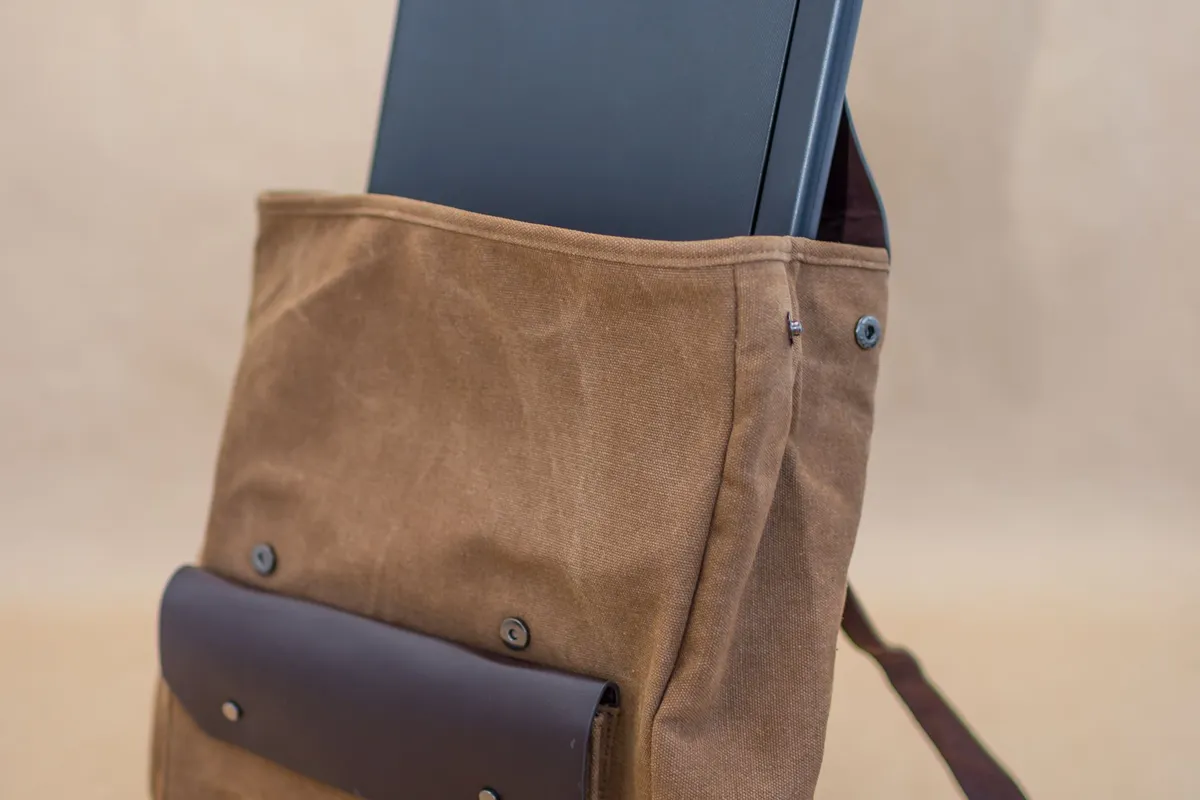
A college backpack has a harder job than a travel bag. It gets loaded and unloaded several times a day, set down on lecture hall floors, stuffed into lockers, and carried in rain between buildings. The bag that lasts is built for that daily cycle, so start with the sleeve, the straps and the zippers. It helps to understand machine designed for ease of use before going further.
The laptop sleeve is the heart of the bag. It should be a separate padded compartment, not a loose pocket in the main space.
A good sleeve has thick foam on the base and the sides and a snug fit that stops the laptop sliding up and down.
Our guide to protecting a laptop from physical damage makes the same point: padding and a snug fit beat a hard shell alone.
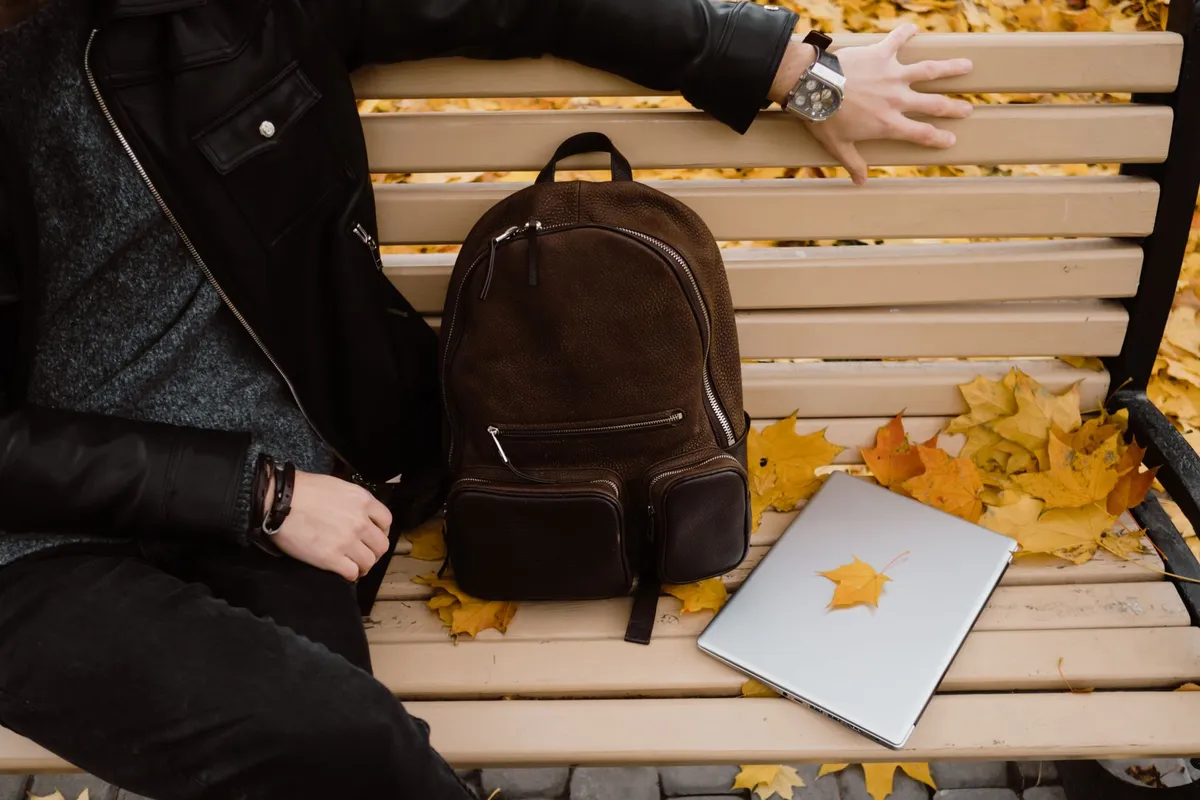
Straps decide whether a full bag hurts by noon. Wide straps spread the load, and padding stops them cutting in. A chest strap keeps the shoulder straps from sliding outward on a long walk. The back panel matters too: a padded, slightly stiff panel stops books and the laptop edge pressing into your back.
Zippers are the part buyers check least and regret most. A full bag puts strain on every zip, so look for chunky zippers that run smooth with one hand and do not snag on the lining.
Two-way zippers let you open the main compartment from either end. If a zipper feels rough or catches in the shop, it will only get worse with daily use.
A water repellent coating or a rain cover is worth having too, since a wet laptop is a dead laptop.
Pockets should match how you actually pack: one main compartment for books, one padded sleeve for the laptop, one front pocket for a charger and cables, and one side pocket for a water bottle covers most students. More pockets add weight and places to lose things. If you travel with the laptop too, read our guide to choosing a laptop for travel first.
How to measure your laptop for the sleeve
Sleeve sizes follow screen size, but screens are measured on the diagonal while sleeves are built to the base, so the number on the listing is only a starting point. A 15.6 inch laptop can have a wider base than another 15.6 inch machine. Measure before you order.
Close the laptop and measure the width across the front edge and the depth from front to back. Then check the sleeve size on the listing, not the bag size: many listings give the bag dimensions first and hide the sleeve size in the details.
The sleeve should be a little larger than the base in both directions, with room to slide the laptop in without forcing it.
A soft strap or a snug elastic top holds the laptop still once it is in. Loaders in this spot often ask about selecting a study machine as well.
Use the screen size as a rough guide only.
A 13 inch laptop fits most sleeves marked 13 inch, a 14 inch laptop needs a 14 inch sleeve, a 15.6 inch laptop needs a sleeve marked 15.6 inch or 16 inch, and a 17 inch laptop needs a wide sleeve made for that size.
When the listing gives no sleeve size at all, treat that as a warning. Test the fit the day the bag arrives: slide the laptop in and out a few times, zip the sleeve shut, and shake the bag gently.
The laptop should stay put and the zipper should close without pulling.
How to choose a laptop backpack for college
Start with your laptop, then your load, then your day. A 13 inch laptop and two notebooks need a slim bag; a 15.6 inch laptop, three textbooks and a charger need a roomy bag with a strong frame.
Count what you carry on a heavy day, not a light one: books are heavy, and a bag that feels fine empty can feel very different loaded. If the laptop is still undecided, see our guide to laptop design for students.
Comfort comes from the straps and the back panel, not the brand name. Load the bag with books and walk around the shop for a few minutes.
The straps should sit flat without digging in, the bag should sit high on your back, and the back panel should not press a hard edge into your spine.
A chest strap helps on a heavy load; a waist strap is one most students never use, so do not pay extra for it.
Durability shows in the seams and the base. Look for double stitching on the straps and the base, since those seams split first. A reinforced base keeps the bag upright and stops the bottom wearing through.
Ballistic nylon and heavy polyester are the common tough fabrics. Check the warranty too: JanSport warrants its packs to the original owner against defects in materials and workmanship for the lifetime of the product, while normal wear and tear is not covered.
Think about the rest of your kit. A charger, a mouse, earphones and a water bottle all need a place, and a cable pocket and a bottle pocket keep them from rattling against the laptop.
Our guide to laptop accessories for work from home lists the charger and hub setup that pairs well with a packed bag.
If you fly home between terms, check the airline rules: TSA lists laptops as allowed in carry-on bags, and says to check with the airline for any size or weight restrictions. A bag that fits under the seat saves a gate check.
The 5 backpacks at a glance
All five bags have a padded laptop sleeve and a water repellent shell. The other half of this decision is best low-cost notebook models.
| Backpack | Fits | Best for | Check before buying |
|---|---|---|---|
| JanSport Big Student | Up to 15.6 inch | One all-round campus bag | Sleeve size against the laptop base |
| Herschel Little America | Up to 15.6 inch | A lighter everyday carry | Strap padding on a full load |
| SwissGear 1900 ScanSmart | Up to 17 inch | Heavy books and a big laptop | Back panel stiffness and strap width |
| Amazon Basics laptop backpack | Up to 15.6 inch | A first bag on a small budget | Zipper quality and warranty terms |
| Targus CitySmart EVA Pro | Up to 15.6 inch | Bus and train commutes | Slim profile against the laptop size |
JanSport Big Student: best all-round backpack
This bag suits a student who carries a laptop, books and a charger every day. The main compartment is roomy enough for textbooks, the padded sleeve holds a laptop up to 15.6 inch, and the front pockets take a charger, pens and a phone. The shape is simple and the straps are wide, so it stays comfortable on a long walk across campus.
The one spec to check is the sleeve size against the laptop base: a 15.6 inch laptop with a wide base can be a tight fit.
Also check the warranty on the listing: JanSport warrants its packs against defects in materials and workmanship for the lifetime of the product, which makes this a long-term buy. Skip it if you carry a 17 inch laptop.
For more student kit ideas, see our roundup of tech gifts for students.
A roomy main compartment and a padded laptop sleeve suit a full day of classes and books.
See options on AmazonHerschel Little America: best everyday carry
This bag suits a student who carries a laptop and a light load and wants a clean, simple bag. The padded sleeve sits against the back panel, the main compartment opens wide for books, and the drawstring top keeps things in place without a bulky zip. It looks plain on the outside, which suits a bag that goes everywhere.
The one spec to check is the strap padding on a full load. The straps are slim by design, so load the bag with books and walk with it before the first week of classes. If they dig in, this is not the bag for a textbook-heavy day. Skip it if you carry three or more heavy books daily: a structured bag with wider straps will suit that load better.
A padded sleeve and a clean layout keep a laptop, books and a charger easy to reach.
See options on AmazonSwissGear 1900 ScanSmart: best for heavy loads
This bag suits a student who carries a big laptop and heavy books and needs the load spread well. Wide padded straps, a structured back panel and a roomy main compartment share the weight, and the sleeve fits laptops up to 17 inch. The bag holds its shape when full, so books do not press into your back.
The one spec to check is the back panel stiffness and the strap width. Press the panel flat with your hand and check that it holds its shape: a stiff panel is what keeps a heavy load comfortable.
Also check the size: this is a large bag, and it can feel bulky on a small frame or in a crowded lecture hall. Skip it if you carry a 13 inch laptop and two notebooks: a slimmer bag will weigh less on your shoulders.
Wide padded straps and a structured back panel spread the weight of a full bag.
See options on AmazonAmazon Basics laptop backpack: best budget backpack
This bag suits a first-time buyer who wants the essentials without spending much. A padded sleeve, a main compartment for books, front pockets for a charger and small items, and a water repellent shell cover the daily carry. It does the job for a student laptop and a light load of books.
The one spec to check is the zipper quality and the warranty terms. At this end of the range the zippers and stitching vary, so run every zip several times before the first week and check the seams on the straps and the base.
A short warranty on a budget bag means a failed zipper is a new bag. Skip it if you carry heavy textbooks daily: the straps and back panel are lighter than on the bags above.
A padded sleeve and a water repellent shell cover the basics for a small budget.
See options on AmazonTargus CitySmart EVA Pro: best for commuters
This bag suits a student who rides the bus or train every day and needs a slim bag that fits in a crowded carriage. The shape is narrow, the padded sleeve holds a laptop up to 15.6 inch, and the front pockets keep a charger, a phone and a travel card within reach.
The one spec to check is the slim profile against the laptop size. A slim bag leaves little room for error, so measure the laptop base and check the sleeve size before you order.
Also check the side pocket: a bottle pocket that holds a bottle without bulging keeps the slim shape. Skip it if you carry three textbooks and a lunchbox daily.
Our guide to carrying a laptop safely covers the habits that keep a commuter bag and its laptop in good shape.
A slim shape and a padded sleeve suit a laptop that rides the bus or train every day.
See options on AmazonMistakes to avoid
1. Buying by screen size alone. A 15.6 inch screen does not tell you the base width: two laptops with the same screen can have different bases. Fix it by measuring the closed laptop and matching it to the sleeve size on the listing.
2. Choosing a sleeve with no padding on the base. The base is where the laptop lands when the bag is set down, and a thin sleeve passes the shock straight through. Fix it by pressing the sleeve base: you should feel thick foam, not just fabric.
3. Ignoring the straps until the first week. Thin straps feel fine on an empty bag and hurt by noon with books inside. Fix it by loading the bag with books and wearing it for an hour before the return window closes.
4. Overloading a slim bag. A bag built for a laptop and a notebook will not carry three textbooks, a charger and a lunchbox. Fix it by counting your heavy-day load before you buy and choosing the bag size to match it.
5. Skipping the warranty check. A bag with no repair route is one you replace when the first zipper fails. Fix it by reading the warranty on the listing: a maker that repairs or replaces defects gives you a second chance if a seam or zipper fails early.
Frequently asked questions
What size laptop backpack do I need for college?
Measure the width and depth of the closed base and match them to the sleeve size on the listing. A 13 inch laptop fits most 13 inch sleeves, a 15.6 inch laptop needs a 15.6 inch or 16 inch sleeve, and a 17 inch laptop needs a wide sleeve made for that size.
Is a padded laptop sleeve enough to protect a laptop?
Yes, when the padding is thick on the base and the sides and the sleeve fits snugly. The sleeve spreads the shock of a bump and stops the laptop sliding around. It will not save a laptop from a hard drop onto concrete, so carry the bag by its straps and set it down gently.
How much should a college laptop backpack weigh empty?
There is no single right weight: a bigger bag with more padding weighs more than a slim one. Test the loaded weight instead: fill the bag with books and walk with it. If the straps dig in or the bag pulls you backward, the load is too heavy for that bag.
Can I take a laptop backpack as carry-on luggage?
Yes, in most cases. TSA lists laptops as allowed in carry-on bags, and says to check with the airline for any size or weight restrictions before you fly. A slim backpack that fits under the seat is the safest choice, since it avoids a gate check and keeps the laptop with you.
How do I clean a laptop backpack?
Empty every pocket, shake out dust, and wipe the inside with a damp cloth. Wash the outside by hand with mild soap and warm water, then let it air dry fully. Never use a washing machine unless the maker says so: the spin can warp the back panel and break the frame.
Bottom line: Measure the laptop base, then buy the bag that fits: JanSport Big Student for most students, Herschel Little America for a light carry, SwissGear 1900 ScanSmart for heavy loads, Amazon Basics for a small budget, and Targus CitySmart EVA Pro for commutes. For more buying guides, see the Buying Guides hub.
Sources: TSA, What Can I Bring?; JanSport, Warranty. Photos: Collab Media, Polina, Rubaitul Azad, Erik Mclean and Armin Rimoldi via Pexels. Diagram: ictservicecenter.com.