IPS vs TN vs OLED: Which Display is Best?
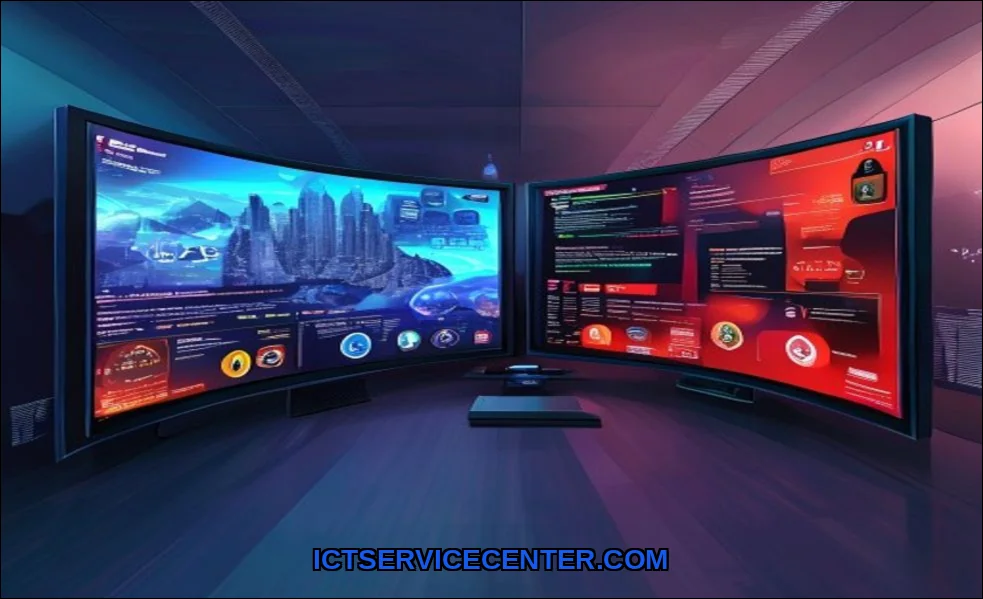
I’ve spent years staring at screens, from budget laptops to professional monitors. It’s my job, but it’s also my passion. The panel staring back at me fundamentally changes how I work, play, and create. Today, I’m breaking down the three dominant display technologiesTN, IPS, and OLEDbased on my hands-on testing, not just spec sheets. This is the real-world guide I wish I had.
If you’re on a tight budget and need a reliable secondary screen for basic tasks, I often point people toward a solid TN option. For instance, the Sceptre New 22-Inch monitor is a classic example of where TN tech shines: delivering high refresh rates for a surprisingly low price. It’s a reminder that older technology still has a vital place.
My Hands-On Experience with All Three Panel Types
I keep all three panel types on my desk. A high-refresh TN for gaming, a color-accurate IPS for editing, and an OLED laptop for media. Switching between them daily highlights their stark differences. It’s not about which is “best,” but which is best for you. Let’s get into the nitty-gritty.
TN Panels: The Speed Demon I Still Use for Competitive Gaming
Don’t let anyone tell you TN is dead. For pure, unadulterated speed, my TN gaming monitor is irreplaceable. Its response time is blisteringly fast, eliminating ghosting in fast-paced shooters. The high refresh rate (often 240Hz or more) feels buttery smooth. This is the panel type where you react a split-second faster.
But the trade-offs are real. The viewing angles are terrible. Lean slightly to the side, and the image washes out or inverts colors. Color accuracy and vibrancy are its weakest points. My creative work looks flat and dull on it. Yet, when I’m deep into a competitive match, none of that matters. Only speed does.
- My Verdict: The specialist. It answers one question perfectly: is TN panel still worth it in 2024? For competitive esports, absolutely. For anything else, probably not.
- Common In: Budget gaming monitors, entry-level laptops.
IPS Displays: Where My Creative Work and Everyday Computing Lives
This is my daily driver. IPS technology solved TN’s biggest flaw: those awful viewing angles. I can look at my IPS monitor from any angle, and the color stays consistent. This matters more than you thinkwhether I’m showing a client a design or just leaning back in my chair.
The real win is color accuracy and consistency. My calibrated IPS display reliably shows me the true colors of a photo or video. This makes it the undisputed champion for OLED vs IPS for photo editing debates where color fidelity is non-negotiable. While not perfect, its contrast ratio is decent for most tasks.
The downside? Traditional IPS panels can’t match TN’s raw speed or OLED’s infinite contrast. You might see slight glow around the edges in dark rooms (IPS glow), and fast motion isn’t quite as crisp. But for a brilliant all-rounder, it’s my top pick. It’s the core of a great desktop workstation setup.
OLED: The Stunning Visuals That Changed How I Watch Content
OLED is a different beast. Each pixel produces its own light and can turn off completely. The first time I watched a dark scene on an OLED, it was revelatory. The contrast ratio is effectively infinite. Blacks are truly black, not dark gray. Colors pop with a vibrancy IPS can’t touch.
It’s also incredibly fast, rivaling TN in response time. This makes modern OLED gaming monitors phenomenal all-purpose screens. However, the elephant in the room is burn-in. It’s a real, cumulative risk for static elements like taskbars or news tickers. After months of use, I’m mindful of my habits. I use screen savers, auto-hide my taskbar, and vary my content. The question of OLED burn-in how to prevent it is part of the ownership experience.
It’s also worth noting power consumption can be higher for bright, full-screen content, though it can be lower for dark themesa nuance often missed in comparisons.
Side-by-Side: My Direct Comparison in Real-World Scenarios
Heres a quick snapshot from my testing bench. Remember, these are my experiential notes, not just marketing claims.
| Scenario | TN Panel | IPS Panel | OLED Panel |
|---|---|---|---|
| Competitive Gaming | My go-to. The speed advantage is tangible. | Good, but slight motion blur can be noticeable. | Excellent speed and contrast, but HUD burn-in risk nags at me. |
| Photo/Video Editing | Unusable. Colors are inaccurate. | Perfect. Reliable color for professional work. | Stunning but requires careful calibration. Risk of editing static UI elements. |
| Watching Movies | Poor. Washed-out colors, bad angles. | Very good. Consistent for group viewing. | Breathtaking. This is what it’s made for. |
| Everyday Office Work | Functional but harsh on the eyes long-term. | Comfortable and versatile. The safe choice. | Beautiful, but I’m paranoid about static windows. |
What About VA and Mini-LED?
Most guides stop at three, but you’ll see VA and Mini-LED too. VA panels, common in curved monitors, offer a middle ground: much better contrast than IPS (closer to OLED) but slower response times that can cause smearing. Mini-LED is a fascinating evolution of LCD tech, using thousands of tiny backlight zones to achieve OLED-like contrast without the same burn-in risk. It’s a brilliant alternative, though currently at a premium price.
My Personal Recommendation Based on Your Primary Use
So, which display is best for gaming IPS or TN? It depends on the game. Heres my honest take.
Choose a TN Panel If:
- Your only goal is maximizing performance in competitive esports (CS:GO, Valorant).
- Your budget is extremely tight, and high refresh rate is your top priority.
- You need a secondary monitor for Discord, streams, or system stats.
Choose an IPS Panel If:
- You need one screen for a balanced mix of work, content creation, and casual gaming.
- Accurate color is critical for design, editing, or even just enjoyable browsing.
- You share your screen with others regularly (good viewing angles).
Choose an OLED Panel If:
- You consume a lot of movies and high-end TV shows. The experience is unmatched.
- You want the ultimate “wow” factor for both gaming and media in a single display.
- You understand and will actively manage the burn-in risk. For a deep dive on living with this tech, check out our guide on the practical realities of owning an OLED laptop.
The choice between a laptop and desktop also plays a role here. A desktop lets you choose any monitor, while a laptop locks you into a panel type. For a great breakdown of that fundamental decision, this external resource on the core differences between laptops and desktops is very helpful.
Your display is your window into the digital world. Don’t just buy the latest buzzword. Match the technology to your actual life. For raw speed, I still boot up my TN. For honest color, I trust my IPS. For sheer awe, I fire up the OLED. Knowing their strengths and compromises lets you choose not just a panel, but the right tool for your vision.