
 By
Laptop listings now show Core Ultra 7 where Core i7 used to sit, and the two names look like a simple rename. They are not: Ultra brings a new naming system, a built-in AI engine, and different graphics, while Core i7 is the older line still on sale.
In short: Core Ultra is Intel’s current chip family, and Core Ultra 7 is the direct successor to Core i7. Every Core Ultra chip has a neural processing unit (NPU) for AI work, and most have Intel Arc graphics.
Core i7 stopped at the 14th generation, has no NPU, and uses older Iris Xe or UHD graphics. For a new thin laptop, Core Ultra is usually the better buy.
Key takeaways
- Core Ultra 5, 7 and 9 replaced Core i5, i7 and i9 on Intel’s newest chips, from Series 1 (Meteor Lake) in late 2023.
- Every Core Ultra chip has an NPU; no Core i7 does. Only 200V and Series 3 chips clear the 40 TOPS bar for a Copilot+ PC.
- The first digit of the model number is the series: a 155H is Series 1, a 255H is Series 2.
- Core Ultra mobile chips usually have stronger built-in graphics (Intel Arc) than Core i7’s Iris Xe graphics.
- Core i7 still handles everyday work, and a good discount can make it the better buy.
What Core Ultra means, and what Core i7 means now
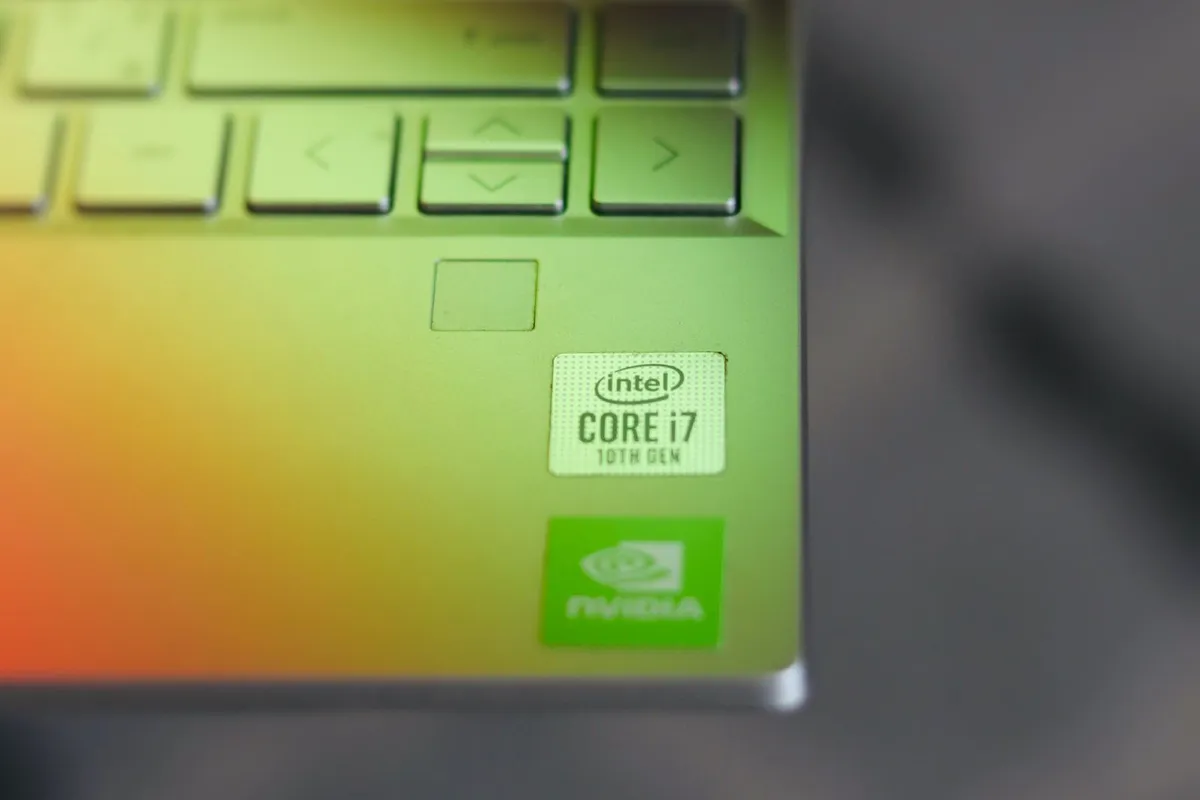
Intel launched Core Ultra in December 2023 with the first chips, codenamed Meteor Lake, and the familiar “i” went away at the same time.
New laptops carry Core Ultra 5, 7 or 9, counted in series, not generations: Series 1 is Meteor Lake, Series 2 is Lunar Lake and Arrow Lake, and Series 3 is Panther Lake. Before you buy anything, it is worth looking at core performance comparison.
Core i7 is the upper-mid tier of the old scheme. Its last generation is the 14th Gen, a Raptor Lake refresh, and on laptops those chips are mostly HX parts for performance machines.
Thin laptops moved to Core Ultra, so the i7 badge now sits mainly on older stock and desktops. Intel also sells Core 5 and Core 7 chips, without the Ultra name: older design, no NPU, and not the same as Core Ultra 7.
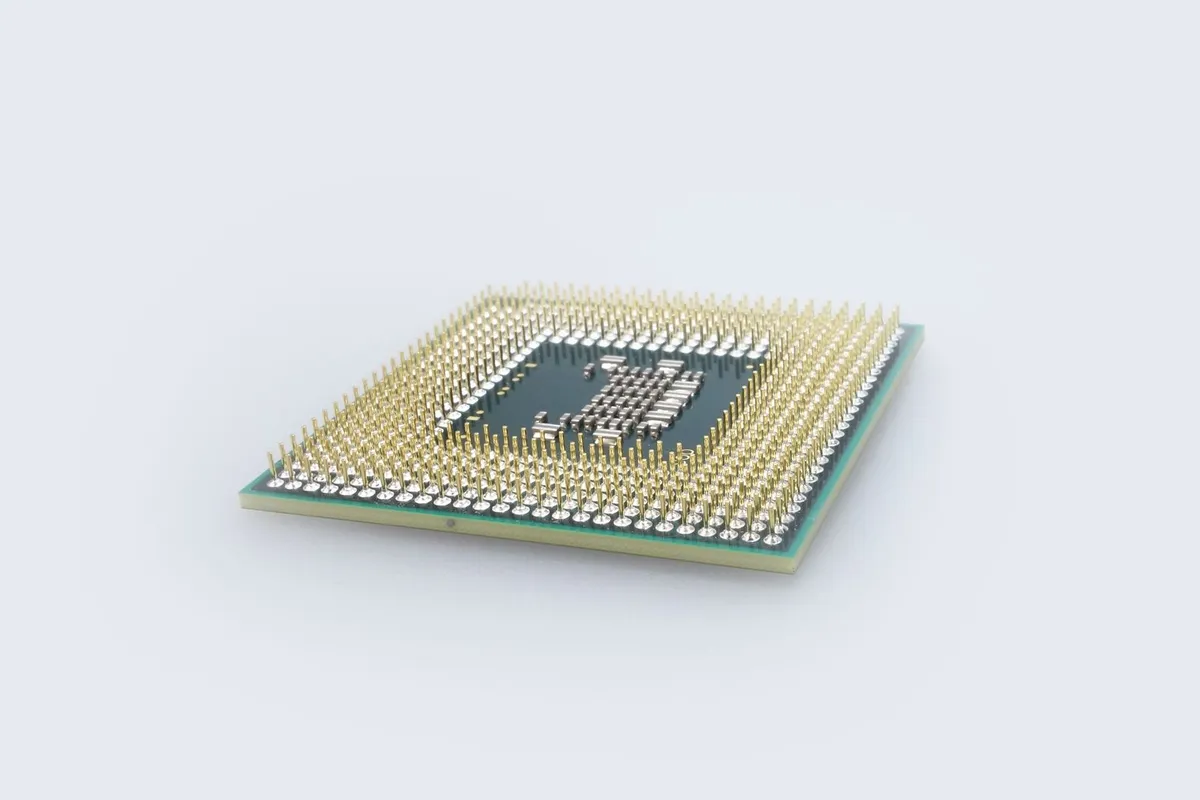
Under the new name the chip itself changed: Core Ultra chips are built from separate tiles on one package, with low-power efficiency cores for background work. The NPU and the new graphics are the real change.
How to read the new names
A Core Ultra name has three parts: the tier (5, 7 or 9), a three-digit model number, and a suffix. The first digit is the series: a Core Ultra 7 155H is Series 1, a 255H is Series 2, and a 265 is a Series 2 desktop chip.
The suffix is the power class: U is a low-power laptop chip, H is a performance laptop chip, V is a thin-and-light chip in the 200V family only, HX is a top performance laptop chip, and K or KF is a desktop chip built for overclocking.
The old names worked the same way, with the generation in front: an i7-13700H is a 13th Gen chip, model 700, H class. The new names swap the generation for a series digit, so a 155H looks weaker than an i7-13700H read the old way. It is not: 155 is a Series 1 number, not a 15th Gen number. Find your own chip under Settings, then System, then About.
Core Ultra vs Core i7 at a glance
| Feature | Core Ultra (Series 1 and 2) | Core i7 (13th / 14th Gen) |
|---|---|---|
| Naming | Core Ultra 5, 7, 9; Series 1, 2, 3 | Core i3, i5, i7, i9; 12th, 13th, 14th Gen |
| NPU | Yes, Intel AI Boost: 11 TOPS (Series 1) to 48 TOPS (200V) | None: AI work runs on the CPU or the graphics |
| Integrated graphics | Intel Arc on most H chips, Intel Graphics on U chips, Arc 140V on 200V | Iris Xe on mobile chips, UHD 770 on 14th Gen desktops |
| Cores and threads | 155H: 16 cores, 22 threads; 265K desktop: 20 cores, 20 threads, no Hyper-Threading | 13700H: 14 cores, 20 threads; 14700K desktop: 20 cores, 28 threads, Hyper-Threading |
| Power and battery | Built for low power in thin laptops; 200V memory sits on the package | Higher power limits on HX laptop chips and desktop K chips |
| Platform (desktop) | Arrow Lake chips need a new LGA1851 board and DDR5 | 14th Gen chips fit LGA1700 boards, DDR4 or DDR5 |
| Who it suits | New thin laptops, AI features, long battery life, Arc graphics | Discounted laptops, desktops on the older platform, heavy multi-core work |
Ultra adds an NPU and better graphics, while Core i7 keeps an edge in desktop thread count, since Arrow Lake dropped Hyper-Threading. Our guide to Intel i5 vs i7 laptops explains the tier gap in thin laptops. Loaders in this spot often ask about battery and speed differences between m1 and i7 as well.
The NPU and Copilot+ PCs
An NPU, or neural processing unit, is built only for the maths AI models use. Intel calls its NPU Intel AI Boost. It runs video-call blur and noise removal, Windows Studio Effects, and live captions at low power, while the CPU and graphics stay free.
NPU speed is measured in TOPS, or trillions of operations per second: about 11 on Series 1, about 13 on Arrow Lake, up to 48 on the 200V chips, and about 50 on Series 3. These are peak ratings for the NPU alone, not a score for the whole laptop.
Microsoft sets that line as the bar for a Copilot+ PC: an NPU over 40 TOPS, plus at least 16 GB of memory and 256 GB of storage.
Only the 200V family and Series 3 clear it among Intel chips, so a Series 1 or Arrow Lake laptop does not qualify, no matter how much “AI” the listing mentions.
Look for the Copilot+ PC label, and check the chip is a 200V or Series 3 part.
Do you need an NPU at all? For email, browsing, documents and video calls it changes little today, since the same features often run on the CPU or GPU. It matters if you want Copilot+ features or run AI tools locally. If neither applies, do not pay extra for a bigger NPU number.
Performance, power and battery life
At the same tier the core counts are similar, so everyday speed is close.
A Core Ultra 7 155H has 16 cores (6 P-cores, 8 E-cores and 2 low-power E-cores) and 22 threads, while a Core i7-13700H has 14 cores (6 P-cores and 8 E-cores) and 20 threads.
On the desktop, a 265K and a 14700K both have 20 cores (8 P-cores and 12 E-cores), but the 265K has 20 threads and the 14700K has 28, since Intel removed Hyper-Threading from Arrow Lake. That gap matters for heavily threaded work.
Power is where Core Ultra pulls ahead: low-power E-cores take the background jobs, and the 200V family puts memory on the processor package.
The trade is that 200V memory is fixed at 16 GB or 32 GB and cannot be upgraded later, so choose 32 GB if you keep laptops for years.
Our guides to how many CPU cores a laptop needs and how modern processors improve efficiency cover the details.
Battery life does not come from the chip alone: the screen, the battery size, and the power settings all count, so no chip rating turns into a fixed number of hours. Intel positions the 200V family for long battery life in thin laptops.
Check the rated battery life for each model and how the maker tested it, rather than comparing chip names. Our guide to how battery life affects laptop use explains what else drains a battery.
We go through 13 gen vs ryzen 7 step by step in its own article.
Integrated graphics: Arc vs Iris Xe
Most Core i7 laptops use Iris Xe graphics, and 14th Gen desktops use UHD Graphics 770. Most Core Ultra mobile chips use Intel Arc graphics, with plain Intel Graphics on U chips, and the 200V family uses Arc 140V or 130V. Arc is a clear step up from Iris Xe for casual gaming, photo editing, and video.
Arc still shares memory with the CPU, so it is not a replacement for a dedicated graphics card for heavy gaming or 3D work. If games or rendering are the point, the dedicated GPU matters far more than whether the chip says Ultra or i7.
For a thin laptop with no dedicated GPU, Arc is one of the best reasons to pick Core Ultra. One exception: desktop Core Ultra chips with an F in the name, such as the 265KF, have no integrated graphics at all.
Which should you buy?
Buy Core Ultra for a new thin laptop, for Copilot+ features (a 200V or Series 3 chip), for battery life, or for stronger Arc graphics without a dedicated GPU. Buy the 200V family with 32 GB if you can: the memory cannot be upgraded later.
Buy Core i7 when the discount is large, when you are building or upgrading a desktop on the LGA1700 platform with DDR4 memory you already own, or when your work is heavily threaded and the extra threads of a 14th Gen desktop chip help. A 13th or 14th Gen Core i7 laptop is still good for everyday work, study, and office apps.
Before you pay, read the full model number, not just the badge. Check the first digit for the series and the suffix for the power class. Confirm the NPU rating if Copilot+ features matter to you.
Check the memory: soldered or on-package memory cannot be upgraded, so buy enough now. Compare the laptop as a whole: screen, battery, and weight included. If you are also weighing AMD, our comparison of AMD vs Intel for productivity puts the Intel choice in context.
Mistakes to avoid
Assuming Core Ultra 7 is always faster than Core i7. A low-power Core Ultra 5 can trail a 14th Gen Core i7 HX in heavy work. Compare models, not badges. Before you buy anything, it is worth looking at choosing between graphics options.
Buying a Series 1 laptop for Copilot+ features. Series 1 chips rate at about 11 TOPS, far below the 40 TOPS Microsoft requires. Only 200V and Series 3 qualify.
Reading the model number as a generation. A 155H is Series 1, not a 15th Gen chip. The first digit is the series.
Ignoring the suffix. A U chip and an H chip with the same model number suit different laptops: U runs cooler and slower, H runs faster and hotter.
Choosing 16 GB on a 200V laptop without thinking. The memory sits on the processor package and cannot be upgraded. If you keep laptops for years, 32 GB is safer.
Paying for an NPU you will never use. Without Copilot+ features or local AI tools, a discounted Core i7 does the same everyday work for less.
Frequently asked questions
Is Core Ultra 7 better than Core i7?
For a new laptop, usually yes: Core Ultra 7 adds an NPU, newer Arc graphics, and better efficiency. But the exact model matters more than the badge. A 14th Gen Core i7 HX or desktop chip can still beat a low-power Core Ultra 7 in heavy multi-core work.
Is Core Ultra the same as 14th Gen?
No. Core Ultra is a different design that started with Series 1 (Meteor Lake) in late 2023. It uses separate tiles, adds low-power cores and an NPU, and counts Series 1, 2 and 3. The 14th Gen Core i7 is a Raptor Lake refresh on the older design.
Do I need an NPU in my laptop?
Only if you want Copilot+ features or run AI tools locally. The NPU handles video-call effects, live captions, and on-device AI at low power. For email, browsing, documents and streaming, a laptop without an NPU does the same everyday work.
Can I upgrade the RAM on a Core Ultra 200V laptop?
No. The 200V family puts the memory on the processor package, fixed at 16 GB or 32 GB, and it cannot be changed later. Choose 32 GB at purchase if you keep laptops for years. Other Core Ultra laptops may have upgradeable memory.
Will my old software run on Core Ultra?
Yes. Core Ultra runs the same Windows 11 apps as Core i7, since both are x86 chips. Your programs, files and drivers carry over, and Windows 11 treats the NPU as an extra resource for apps that support it, with no action needed from you.
Bottom line: Core Ultra 7 is the successor to Core i7, not a rename: it adds an NPU, Arc graphics and a new naming system. For a new thin laptop, pick Core Ultra, and pick a 200V or Series 3 chip for Copilot+ features.
For a discounted laptop or a desktop on the older platform, Core i7 is still good value. Check the full model number before you pay. More buying comparisons live in our Comparisons hub.
Sources: Intel, Core Ultra Processors; Microsoft Learn, Copilot+ PCs Developer Guide. Photos: Imthiyaz Syed, Pixabay, Konstantin Olsen, Anna Shvets via Pexels. Diagram: ICT Service Center.