Desktop vs Laptop for Students: How to Choose
I remember hauling my old desktop tower across campus during my freshman move-in. It was a brutal lesson in what “portable” really means. The debate between a desktop vs laptop for students isn’t about raw specs on a sheet. It’s about how a machine fits into the chaotic, coffee-fueled reality of campus life. I’ve crammed for finals on both, gamed on both, and regretted my choices on both. Let’s cut through the marketing.
For many, a balanced, budget-friendly laptop is the sweet spot. Something like the HP 14 Laptop hits that note for everyday coursework, offering enough power for research and Zoom classes without breaking the bank. It’s a solid starting point for the conversation.
My Campus Reality: Why Portability Isn’t Just About Weight
You’ll hear “portability” and think “lightweight.” That’s only half the story. True campus portability is about agility. It’s the 10 minutes between classes where you need to review notes in the library. It’s the group project that suddenly migrates from the dorm to the coffee shop. A laptop lives in your backpack, ready. A desktop chains you to one spot.
But here’s the honest twist: that tether can be a superpower. When your entire dorm room setup is your command center, you eliminate distractions. No temptation to browse in bed. Your desk is for work. Your bed is for sleep. I found my focus improved dramatically when my powerful machine wasn’t portable. For student laptop life, the biggest threat isn’t weightit’s the constant context switching. Your study spot changes daily. Your machine needs to keep up.
The Lecture Hall, The Library, The Lawn
Consider your campus IT infrastructure. University WiFi can be notoriously flaky. With a laptop, you can hunt for a strong signal. With a desktop, you’re at the mercy of the ethernet port in your room (and hope your roommate isn’t torrenting). Security is another silent factor. A laptop can walk away from a library table in seconds. A desktop won’t fit under a thief’s jacket.
Breaking Down Your Actual Academic Workload
Forget “fast processor.” What software will you actually run? An English major needs a robust word processor and a hundred browser tabs. An engineering student needs SolidWorks or AutoCAD. A film student needs Adobe Premiere. This is where the college computer choice gets real.
Laptops, especially thin ones, face thermal throttling. They slow down to avoid melting during sustained loads. Rendering a video or simulating physics can turn a sleek machine into a hot, noisy, sluggish mess. A desktop with proper cooling simply powers through. For heavy-duty academic software, that consistent performance is everything. I’ve watched rendering times double on a laptop versus a comparable desktop.
Is a laptop or desktop better for engineering students? If your major demands specialized, resource-intensive applications, the desktop’s sustained power and potential for a better ergonomic setup (larger monitors, proper keyboard) are huge wins for long project nights.
The Dorm Room Factor: Space, Noise, and Roommates
Dorm rooms are tiny. A desktop tower, monitor, keyboard, and speakers consume precious real estate. A laptop tucks away. But an All-in-One desktop or a Mini PC can be surprisingly space-efficient. Noise matters, too. Gaming laptops under load sound like jet engines. A well-cooled desktop can be far quieter, which your roommate will appreciate during finals.
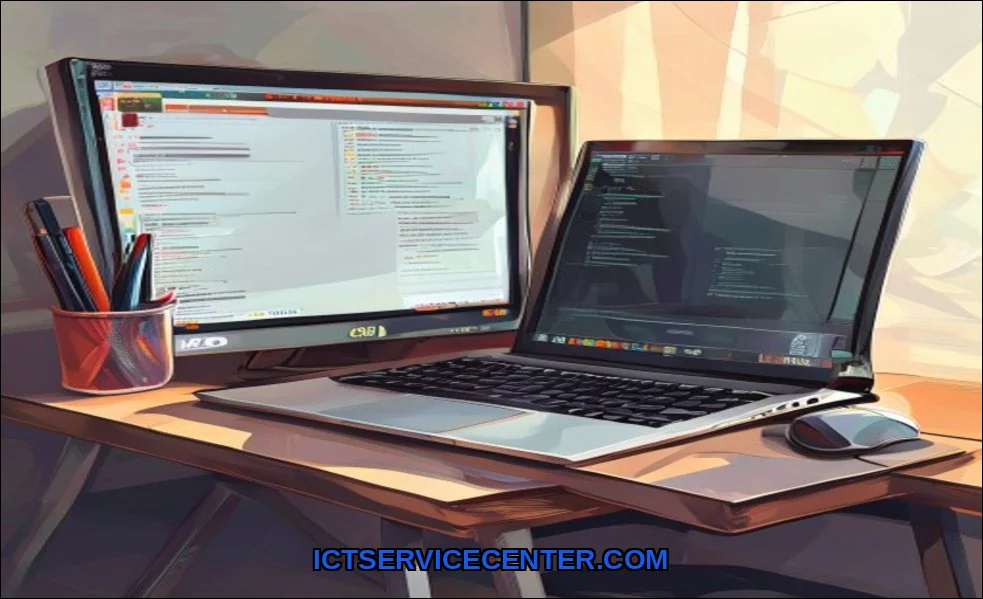
Your dorm desk setup is your sanctuary. With a laptop, you can achieve a great ergonomic setup by adding a monitor, keyboard, and mouse at your deskeffectively turning it into a desktop. Then, you unplug and take the brain with you. This hybrid approach, using a docking station, might be the ultimate hack. Its a strategy we explore in our guide to the best laptop for university students.
The Upgrade Conversation: Can Your Machine Grow With You?
This is the desktop’s knockout punch. Laptops are largely sealed units. Need more RAM or storage in two years? With most laptops, you’re out of luck. A desktop is built for modular upgrades. You can swap the graphics card, add more RAM, or install a new SSD. This extends its useful life by years.
Think about your graduation timeline. A laptop might feel slow by junior year. A desktop can be refreshed with a few key components, protecting your investment. This is critical for future-proofing. That said, some gaming laptops and workstations do allow upgrades, but they’re the exception, not the rule.
The Budget Truth: Upfront Cost vs. 4-Year Value
At first glance, laptops seem cheaper. But you must consider total cost of ownership. A $800 desktop will often outperform a $1200 laptop. For that $800, you get a bigger screen, a more comfortable keyboard, better speakers, and easier upgrades. The laptop price includes the miniaturization tax.
However, you must factor in the cost of a monitor, peripherals, and a Windows license for a desktop build. And you still might need a cheap tablet or Chromebook for note-taking in class. The budget for students isn’t just about the main machine. It’s about the ecosystem. For a deeper dive on value-focused picks, check out our thoughts on the best laptop for students across different budgets.
Should I get a desktop if I already have a laptop for college? Absolutely. This “two-machine” strategy is underrated. Use the laptop for portability and the desktop for heavy lifting and gaming at home. It splits the workload and can be more cost-effective than buying one ultra-powerful, expensive laptop that does everything.
Gaming Desktop vs Gaming Laptop for University
This is a classic gaming vs studying dilemma. A gaming desktop delivers more performance per dollar, runs cooler and quieter, and is upgradeable. A gaming laptop does it all in one backpack friendly package, but you pay a premium, deal with more heat, and sacrifice long-term upgrade paths. For pure gaming performance in your dorm, the desktop wins. For gaming at home and at a friend’s place, the laptop’s convenience is undeniable.
My Verdict: Matching the Machine to Your Student Persona
There’s no universal answer. It depends entirely on your habits and major.
- The Campus Nomad: You’re never in your room. Classes, library, club meetings, study groups. You need a robust, long-battery-life study laptop. A desktop would be a paperweight for you.
- The Dorm Commander: Your room is your base. You work and game at your desk. You value big screens, loud speakers, and max performance. A student desktop PC is your fortress of solitude.
- The Hybrid Scholar: You need a good machine for lectures and note-taking (best computer for online classes and note-taking) but also power for projects. A powerful laptop paired with a docking station and external monitor at your dorm desk gives you the best of both worlds.
- The Creative or Engineer: Your software demands horsepower. Prioritize cooling and sustained performance. A desktop is usually best, but a high-end mobile workstation laptop can work if portability is non-negotiable.
In my experience, most students are best served by a competent laptop as their primary driver. It’s the versatile tool for an unpredictable campus life. But for those with stationary habits, heavy computing needs, or a tight long-term budget, building a desktop is a profoundly smart choice. Its a more nuanced decision than just comparing specs, as highlighted in this external analysis on laptop versus desktop use cases.
Look at your routine. Be honest about where you’ll actually work. Then choose the tool that disappears into your workflow, not the one that forces you to build your life around it. That’s the real win.