
Have you ever wondered how your computer’s processor, memory, and storage all work together seamlessly? The unsung hero orchestrating this entire operation is the chipset. It’s the motherboard’s central nervous system, managing the flow of data between every critical component.
Without a functional chipset, your CPU would be a brain without a bodypowerful but completely isolated. This guide explains exactly how the chipset controls hardware, from legacy architectures to modern integrated designs, and why it matters for your system’s performance and upgrade path.
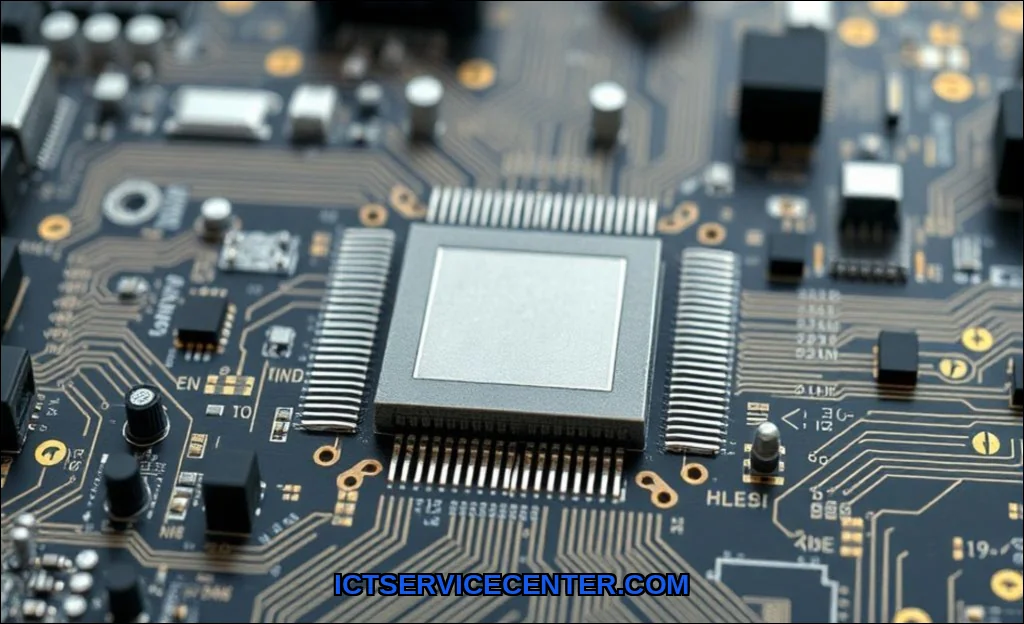
What Is a Chipset and Why Does It Matter
A chipset is a collection of integrated circuits on your motherboard that manages data communication between the CPU, memory, storage, and peripherals. Think of it as a traffic controller for your system’s data busthe electronic highway that carries information between components.
Every piece of hardware you connectyour graphics card via PCI Express, your USB devices, your SATA drivesmust go through the chipset. It handles the translation, prioritization, and routing of data requests. This is the core of how chipset works within your PC.
For many modern builds, professionals recommend a motherboard with a robust chipset to maximize performance. The GIGABYTE B850 AORUS features an advanced AMD chipset that supports high-bandwidth PCIe 5.0 and efficient memory overclocking, making it an excellent choice for demanding workloads.
The Core Role of the Chipset in Hardware Communication
The chipset acts as a central hub for chipset communication between CPU and peripherals explained in practical terms. When you press a key on your keyboard, that signal doesn’t go directly to the CPU. Instead, it travels through the motherboard’s traces to the chipset, which processes the interrupt request and forwards it to the processor.
This layered approach serves several purposes:
- Buffering: The chipset stores data temporarily to prevent bottlenecks
- Protocol translation: Different devices speak different languages; the chipset translates between them
- Traffic prioritization: Real-time tasks like audio streaming get priority over background file transfers
- Power management: Modern chipsets control sleep states and voltage regulation
This is the motherboard chipset function that many users overlookuntil something goes wrong. A failing chipset can cause random crashes, USB dropouts, or storage drives disappearing from the system.
Northbridge vs. Southbridge: Dividing the Workload
Historically, the chipset was split into two physical chips: the northbridge and the southbridge. Understanding the difference between northbridge and southbridge chipset helps explain how modern designs evolved.
The Northbridge: High-Speed Traffic Controller
The northbridge handled the fastest connections in the system. It contained the memory controller, which managed RAM access, and the primary PCI Express lanes for the graphics card. This chip communicated directly with the CPU at high clock speeds.
The Southbridge: Peripheral Manager
The southbridge handled slower I/O functions: USB ports, SATA storage, audio, legacy PCI slots, and the BIOS/UEFI interface. It connected to the northbridge via a dedicated link called the data bus.
Here’s a quick comparison of their traditional roles:
| Feature | Northbridge | Southbridge |
|---|---|---|
| Primary function | Memory controller, GPU interface | I/O management, storage, audio |
| Connection speed | High (direct CPU link) | Moderate (via northbridge) |
| Modern integration | Integrated into CPU | Replaced by Platform Controller Hub |
| Impact on performance | Critical for RAM and graphics | Critical for peripheral compatibility |
This architecture defined the system logic chipset for decades. But modern designs have consolidated these functions dramatically.
How the Chipset Manages Data Flow Between CPU, Memory, and Peripherals
The chipset data flow process is a carefully choreographed sequence. Here’s a simplified walkthrough of what happens when you launch an application:
- The CPU requests data from storage (SSD or hard drive)
- The chipset receives this request via the data bus
- It fetches the data from the storage controller and buffers it
- The chipset sends the data to the memory controller (now inside the CPU on modern systems)
- The CPU processes the data and sends display commands back through the chipset
- The chipset forwards those commands to the graphics card via PCI Express
This entire sequence happens in microseconds. The chipset manages thousands of similar transactions simultaneously, handling interrupt request prioritization to ensure nothing gets lost.
This is the essence of how does a chipset control hardware componentsit’s the mediator that keeps everything in sync.
Modern Chipset Integration: System-on-Chip and Platform Controller Hub
Today’s architectures have evolved significantly. Intel uses the Platform Controller Hub (PCH) instead of a traditional southbridge, while AMD’s chipsets handle similar functions. The memory controller and PCI Express root complex have moved directly into the CPU.
This shift changed the chipset vs CPU dynamic. The processor now handles high-speed memory and graphics directly, while the chipset focuses on connectivity. This reduces latency for critical operations and simplifies motherboard design.
Mobile devices take this integration even further with System-on-Chip (SoC) designs. In smartphones and tablets, the CPU, GPU, memory controller, and I/O management are all on a single die. This is why how chipset works in a phone is fundamentally different from a desktop PCthere’s no separate chipset chip at all.
One often-overlooked aspect is chipset power management. Modern chipsets control voltage regulation modules (VRMs) and sleep states, directly affecting battery life in laptops and power efficiency in desktops. If you’re experiencing battery drain issues, the chipset driver or firmware might be the culprit.
BIOS/UEFI Interaction
The chipset also manages the interface between your operating system and the motherboard’s firmware. Every setting you adjust in BIOSfrom boot order to memory timingsis mediated by the chipset. This is why updating your motherboard’s UEFI often includes chipset microcode updates that improve compatibility.
Chipset Impact on Performance: Bandwidth, Latency, and Compatibility
The chipset directly influences your system’s real-world performance. Here’s what to consider:
- Bandwidth: The number of PCI Express lanes determines how many high-speed devices you can connect without sharing bandwidth
- Latency: A well-designed chipset minimizes delays between CPU and peripherals
- Compatibility: Different chipsets support different CPU generations, RAM speeds, and storage interfaces
This is where what role does the chipset play in computer performance becomes tangible. A budget chipset might limit you to PCIe 3.0, while a premium one supports PCIe 5.0 with double the bandwidth. Similarly, the chipset determines whether you can use RAID configurations or advanced overclocking features.
If you’re troubleshooting performance issues, start by checking your chipset drivers. Outdated drivers can cause stuttering in games, slow file transfers, or intermittent network drops. For help with specific hardware problems, our guide on fixing laptop Wi-Fi hardware issues covers chipset-related network problems.
Troubleshooting Chipset-Related Issues and Updating Drivers
Common chipset problems include USB port failures, storage drives not being detected, and random system freezes. The first step is always updating your chipset drivers from the motherboard manufacturer’s websitenot Windows Update.
Here’s a systematic approach:
- Identify your chipset model using Device Manager or CPU-Z
- Download the latest drivers from Intel or AMD’s official site
- Install and restart your system
- If problems persist, check for BIOS/UEFI updates that include chipset fixes
For more comprehensive diagnostics, our resource on diagnosing laptop hardware problems provides step-by-step methods for isolating chipset-related failures.
Remember that chipsets in embedded devices like smart home hubs or IoT controllers have different failure modes. They often lack user-updatable firmware, so hardware replacement may be the only option.
Practical Conclusion
The chipset is the invisible foundation of your computer’s hardware ecosystem. Whether you’re building a new PC, upgrading components, or troubleshooting an existing system, understanding how chipset works gives you the knowledge to make informed decisions.
Modern chipsets have consolidated many functions, but their core role remains unchanged: managing the data bus, handling interrupt request traffic, and ensuring smooth chipset communication between CPU and peripherals explained in this guide. Pay attention to chipset specifications when selecting a motherboardthey determine your upgrade path, performance ceiling, and feature set for years to come.
Keep your chipset drivers updated, monitor for compatibility issues when adding new hardware, and don’t overlook this critical component when diagnosing system problems. The chipset may not be glamorous, but it’s the reason your PC works at all.