
I’ve lost count of how many times a friend has asked me, “Is 8GB RAM enough?” My answer is always the same: it depends on what you’re doing. But that’s a cop-out. So I decided to stop theorizing and start testing. I spent a week with two nearly identical laptopsone with 8GB and one with 16GBto see where the difference actually matters in daily life.
For this deep dive, I used a Windows 11 laptop with an Intel Core i5 processor and a fast NVMe SSD. The only variable was the memory capacity. I wanted to strip away other factors and see the raw impact of RAM. If you’re building a desktop and thinking ahead, many power users are already skipping the 8GB vs 16GB debate entirely and opting for something like the Crucial 32GB DDR5 to truly future-proof their system. For most of us, though, the choice is more nuanced.
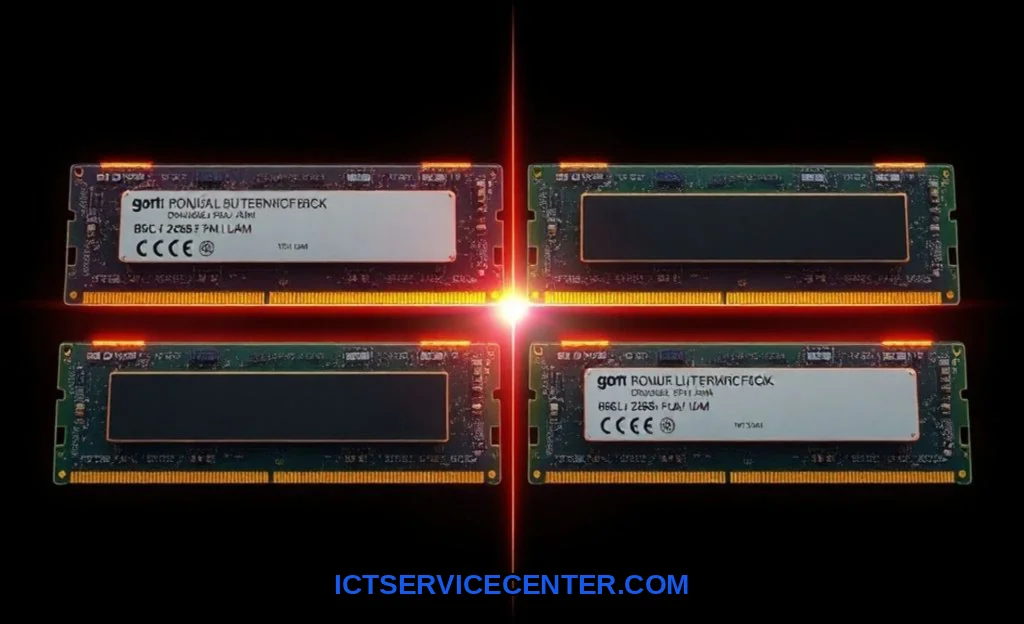
My Real-World Testing Setup: How I Compared Them
I didn’t just run benchmarks. Benchmarks give numbers; I wanted to feel the difference. My 8GB system was configured in dual-channel mode (two 4GB sticks), which is crucial for performance. The 16GB system also used dual-channel memory. I mimicked three user profiles: the everyday multitasker, the casual gamer, and the hobbyist video editor. My goal was to find the breaking point for 8GB and see where 16GB provided tangible breathing room.
The Hardware and Software Context
Both systems had integrated Intel graphics, which actually makes the RAM debate more critical. Integrated GPUs borrow system memory, so your available RAM for applications is less than the total. I used common software: dozens of Chrome tabs, Slack, Spotify, a PDF reader, and Word for the productivity test. For gaming, I tried titles like Valorant and older AAA games. For editing, I pushed Adobe Premiere Pro and also opened DaVinci Resolve to compare.
The Multitasking Showdown: Where 8GB Stumbles and 16GB Shines
This was the most revealing test. With 8GB, a “normal” workload of 15 Chrome tabs, Slack, and Spotify ran fine. But the moment I opened a second app like Photoshop or a Zoom call, I felt it. The system got sluggish. Windows started using the SSD as a slow “swap file,” a clear sign of a memory bottleneck.
With 16GB, that same workload barely registered. I could throw in a 4K YouTube video in another window and everything remained responsive. The key difference was in handling background tasks. Windows 11 itself, along with antivirus and update services, quietly uses more RAM than you think. 16GB absorbs those demands without you ever noticing. For a detailed look at typical memory usage, our guide on how much RAM you need in a laptop breaks it down further.
- 8GB Reality: You must manage your tabs and apps. Heavy websites can cause stutters.
- 16GB Reality: You can forget about closing apps. True, effortless multitasking.
Gaming & Creative Work: A Direct Performance Comparison
Here, the workload demands dictate everything. For casual gaming on esports titles at 1080p with low settings, 8GB in a dual-channel memory setup is often sufficient. The frame rates were playable. But the moment I tried a modern open-world game or ran Discord and a browser in the background, the 8GB system exhibited severe stuttering. The gaming performance wasn’t just about average FPS; it was about consistency.
For video editing, the gap was a chasm. In Premiere Pro, scrubbing through a 1080p timeline was okay on 8GB. Rendering a simple 5-minute clip took noticeably longer. When I switched to DaVinci Resolve, which can be more RAM-hungry, the 8GB machine nearly froze applying color grades. The 16GB machine handled the same projects smoothly. It wasn’t twice as fast, but it was consistently fluid, which is everything when you’re in a creative flow. If your core question is 8GB vs 16GB RAM for video editing Premiere Pro, my hands-down answer is 16GB.
The SSD Speed vs. RAM Factor
This is a nuance many miss. A fast SSD can mask low RAM by quickly swapping data. But it’s a poor substitute. I confirmed this by watching task manager. On the 8GB system, the disk activity LED was constantly flickering under load, a telltale sign of “thrashing.” This not only slows things down but can also wear out your SSD faster over time. RAM is for active, instant access; the SSD is your deep storage. You don’t want them constantly trading jobs.
The Upgrade Question: Is It Worth the Extra Cost?
Let’s talk money. The jump from 8GB to 16GB often adds $80-$150 to a laptop’s price. For a desktop, buying a 16GB kit over an 8GB one might be a $40-$60 difference. In my view, this is one of the highest value proposition upgrades in computing.
You’re buying system-wide smoothness and longevity. That extra $100 today could extend the useful life of your machine by two years. For a student or strict budget user doing only word processing and web browsing, 8GB might suffice. But for anyone who considers their computer a primary tool, the extra investment is a no-brainer. It prevents the frustration of a slow machine down the line. To see this value in action, check out our curated list of the best laptops with 16GB RAM available right now.
Future-Proofing Your Machine: My Recommendation Based on Your Needs
Future-proofing isn’t about preparing for science fiction. It’s about anticipating the natural growth of software RAM requirements. Operating systems and web apps get hungrier with every update.
Heres my personal breakdown:
- Choose 8GB IF: You live in a single browser tab, only use basic office apps, and plan to replace the device in under 3 years. This is for the absolute minimalist.
- Choose 16GB IF: You’re anyone else. This includes students, office workers, casual gamers, hobbyist creators, and programmers. For the question is 8GB RAM enough for programming in 2024, the answer is a shaky “maybe” for simple scripts, but 16GB is the sane choice for modern IDEs, containers, and virtual machines.
What about Apple’s M1/M2 Macs with unified memory? They’re more efficient, yes. But the same principles apply. 8GB on a Mac feels better than 8GB on Windows, but for sustained multitasking or creative work, 16GB is still the recommended starting point.
The Impact on Laptop Battery Life
An interesting side note: more RAM can sometimes slightly reduce battery life, as the memory modules themselves draw power. However, the effect is usually minimal. The bigger impact is behavioral. With 16GB, your system isn’t constantly straining the SSD and CPU to manage memory shortages, which can actually lead to more efficient performance overall.
Final Verdict: My Personal Choice and Why
After this testing, my choice is unequivocal. For any primary computer I own or recommend, 16GB is the new baseline. The smoothness, the headroom, the lack of anxiety about opening “one more tab”it transforms the experience.
8GB feels like living in a small apartment. You can make it work, but you’re always tidying up. 16GB is moving into a place with spare rooms. You can breathe. For the vast majority of users, including those wondering does 16GB RAM make a difference for everyday use, the difference is profound. It’s the difference between a computer that works and a computer that works for you without complaint.
If your budget forces an 8GB purchase, ensure it has dual-channel memory and a fast SSD. And make sure the RAM is upgradeable. But if you can stretch to 16GB, do it. You won’t regret the investment. For comparing specific models and their configurations side-by-side, a great external resource I use is Nanoreview’s laptop comparison tool to drill down into specs and real-world performance metrics.